CoFurnish
Furniture Kiosk
Overview
Problem
Users
Lo-fi Prototype


Designed for large apartment complexes to reduce moving stress and foster community.
Timeline
Context
The Problem
Mission Statement:
Understanding the User
Mood & Aesthetic
Wireframing
Mar 2025-Jun 2025
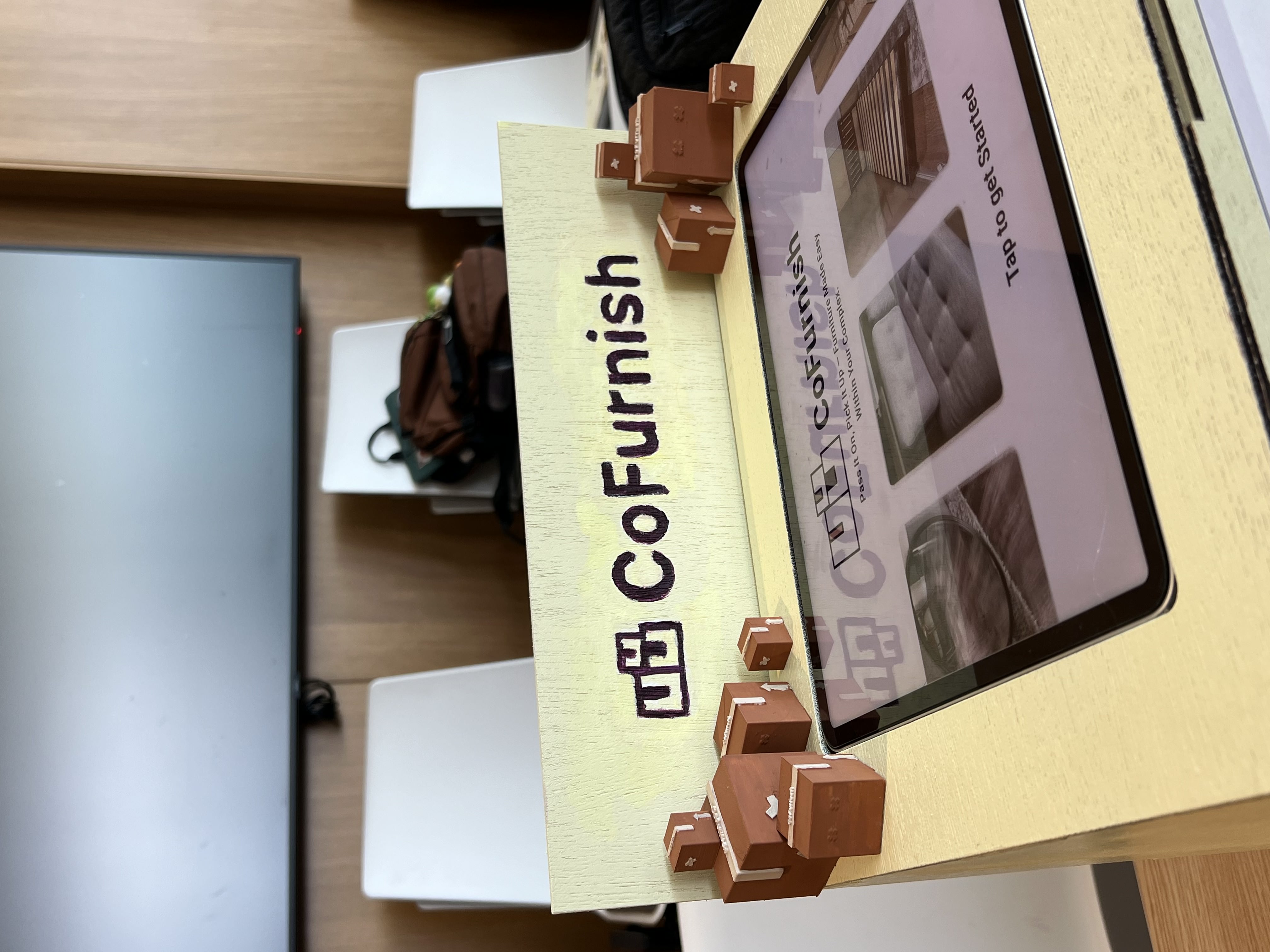
CoFurnish emerged from my DSGN 100 (Prototyping) course at UC San Diego. As a team of 4 we were tasked with creating a physical kiosk with a digital interface that would create an intuitive and valuable interactive experience for users.
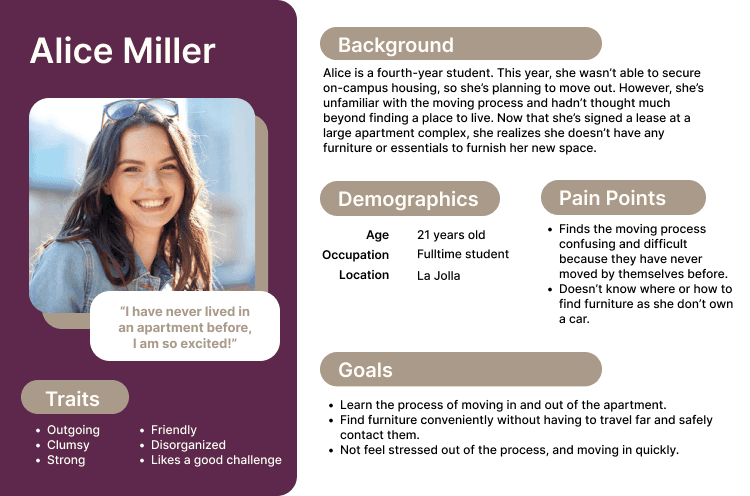
Based on the pain points identified in our interviews, we developed and refined a primary user persona to guide our project.
Alice Miller, 21 years old, is a fourth-year college student who wasn’t able to secure on-campus housing this year. Excited but nervous, she’s moving into an apartment for the first time and navigating the process mostly on her own. She’s particularly frustrated by:
The overwhelming process of moving without prior experience or guidance.
Not knowing how to find or transport affordable furniture, especially since she doesn’t own a car.
I utilized Figma to develop the initial lo-fi digital wireframe for our project. Based on our research and primary user, I created a few flows for the furniture seeking process for apartment renters.
Log In / Sign Up: Allows residents to access and manage their listings
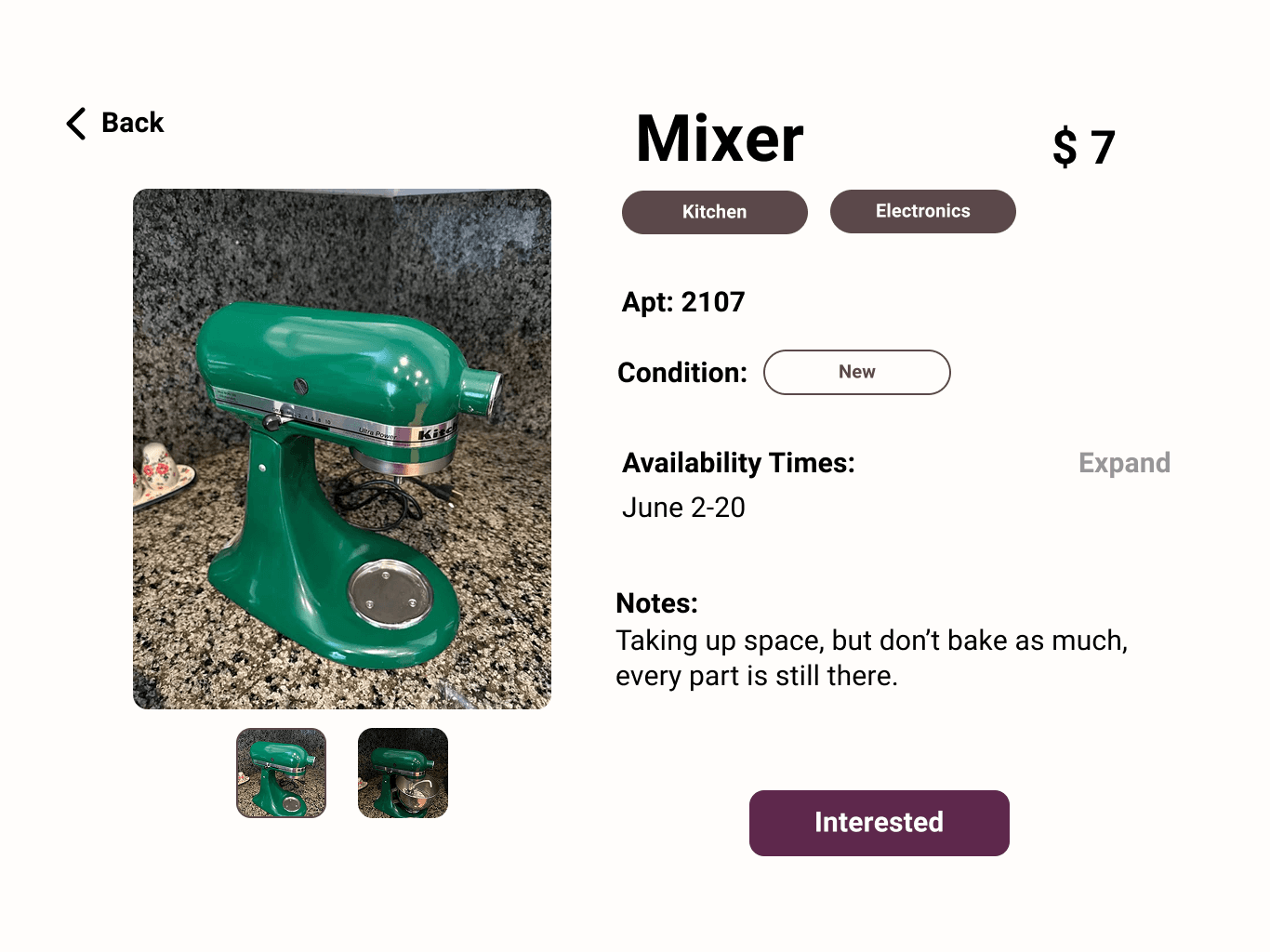
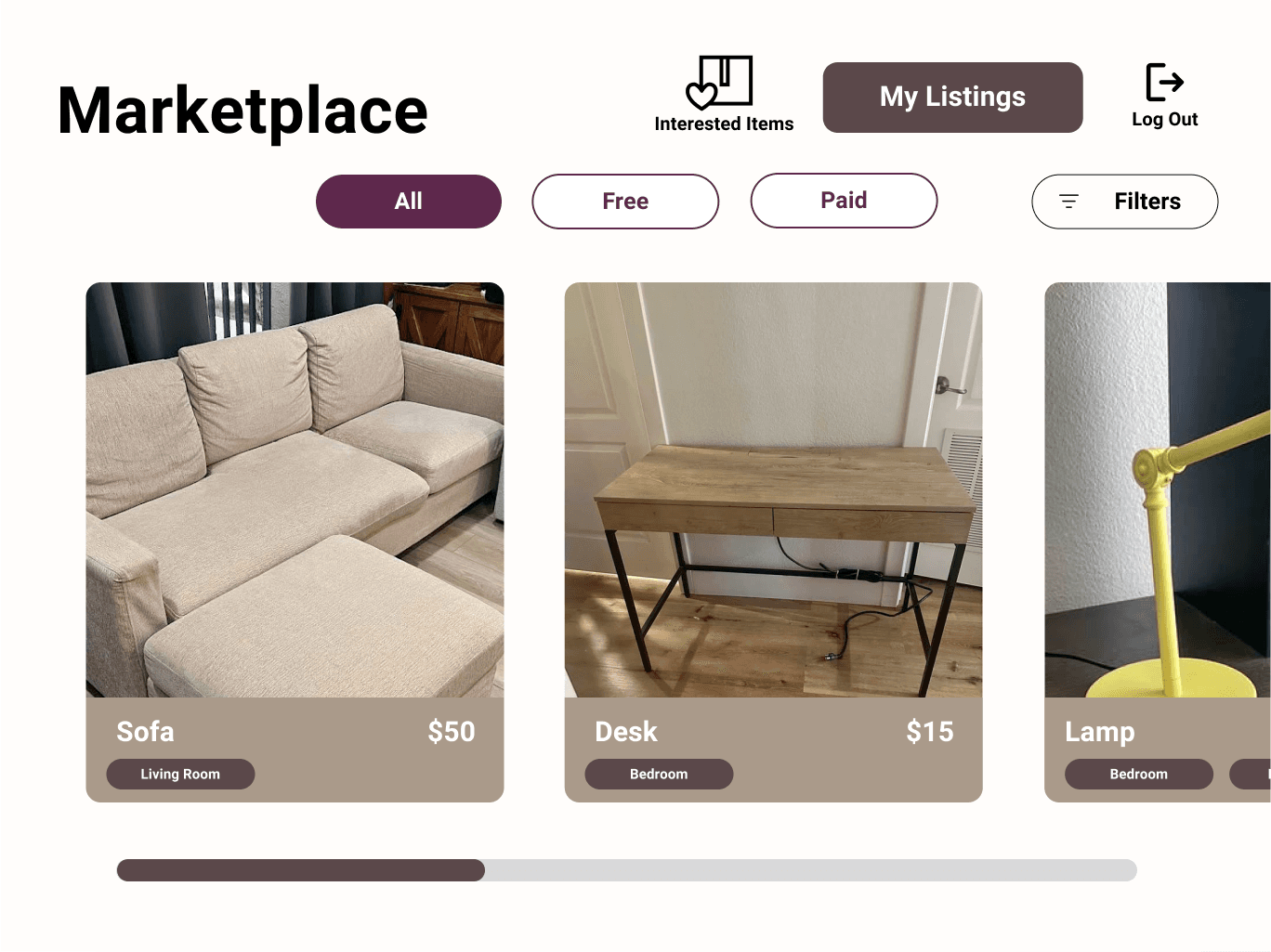
Browse Furniture: View available furniture shared by other renters
Upload Furniture: Easily list your own furniture for others to find
To address Alice’s pain points, our solution enables residents to easily browse available furniture within their apartment complex, list items they no longer need, and connect with others for quick, local exchanges—removing the stress of transportation, coordination, and last-minute moving needs.
As apartment residents, we experienced firsthand the frustrations and confusion that come with moving in or out of a building. One major issue stood out: the difficulty of buying, selling, or getting rid of furniture within the apartment complex during ones move in and move out processes.
Through online research, field observations, and interviews with 19 apartment residents, we identified several key challenges our kiosk, Cofurnish, is designed to address:
Secondhand furniture is common, but hard to coordinate. 10 out of 15 residents used secondhand furniture, often from external platforms or random sources. Reaching agreements took time and effort, especially without knowing who in the building was giving items away.
Furniture is often left in public spaces. Many residents saw furniture left around the complex but didn’t know who it belonged to or how to claim it. Without a clear system, usable items often end up as waste.
Moving requires outside help. 15 out of 19 residents needed help from friends, family, or hired movers—especially for large items.
Transportation access is limited. 12 out of 19 used cars or U-Hauls, which aren’t accessible to everyone.
Limited storage and time pressure. Residents often need to quickly dispose of or find furniture, but don’t have space to keep extra items.
UI/UX Designer/ Project Manager
4 Designers
Wireframing, Prototyping,
Visual Design,
Project Management
Role
Team
Key Skills
We aim to simplify the move-in and move-out experience for apartment renters—especially those without support—by providing a kiosk system that enables residents to easily donate, recycle, or exchange furniture and large items in a sustainable, stress-free, and community-driven way.
CoFurnish
Logo
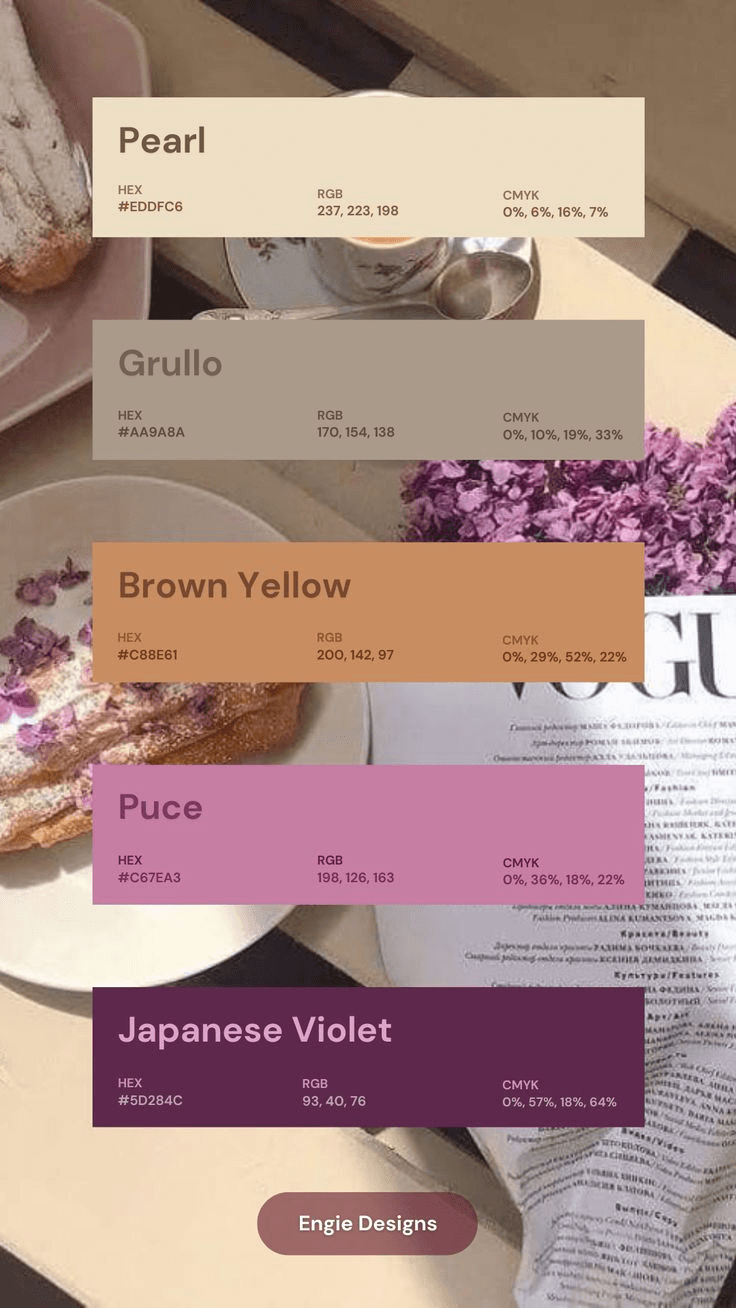
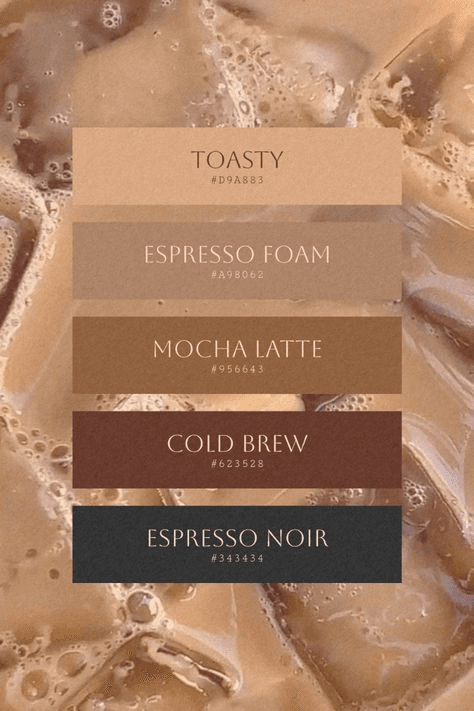
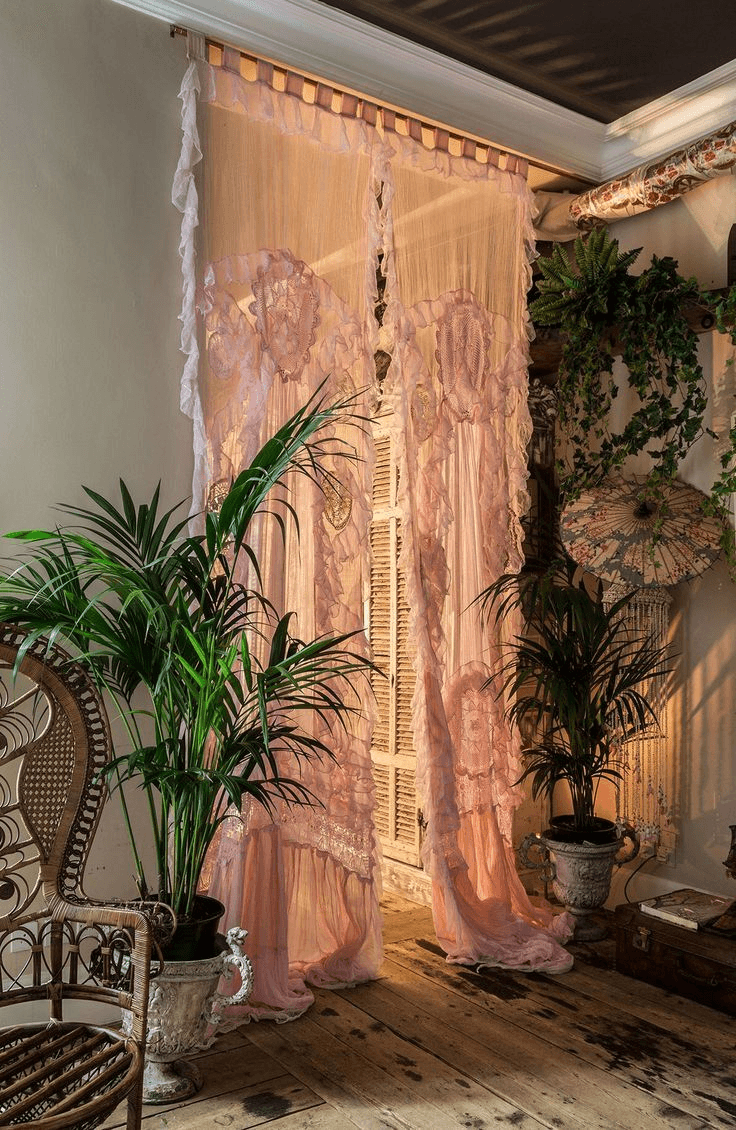
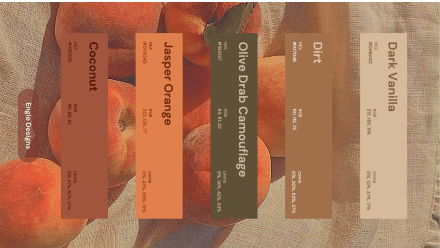
Moodboard


Typography
Logo Font
Buttons/Icons
Body Text
Heebo Bold
This font style is used for the logo. Lorem ipsum dolor sit amet, consectetur adipiscing.
Heebo Medium
This font style is used for buttons/icons. Lorem ipsum dolor sit amet, consectetur adipiscing.
Heebo Regular
This font style is used for body paragraphs. Lorem ipsum dolor sit amet, consectetur adipiscing.
Colors
#5B484A
(Accent)
#5E284C
(Button)
#AA9A8A
(Accent)
#F7F2EF
(background)
#DAA38F
(Accent)
#333333
(Accent)
Icons/Buttons
Logout
Back
Remove
Exit



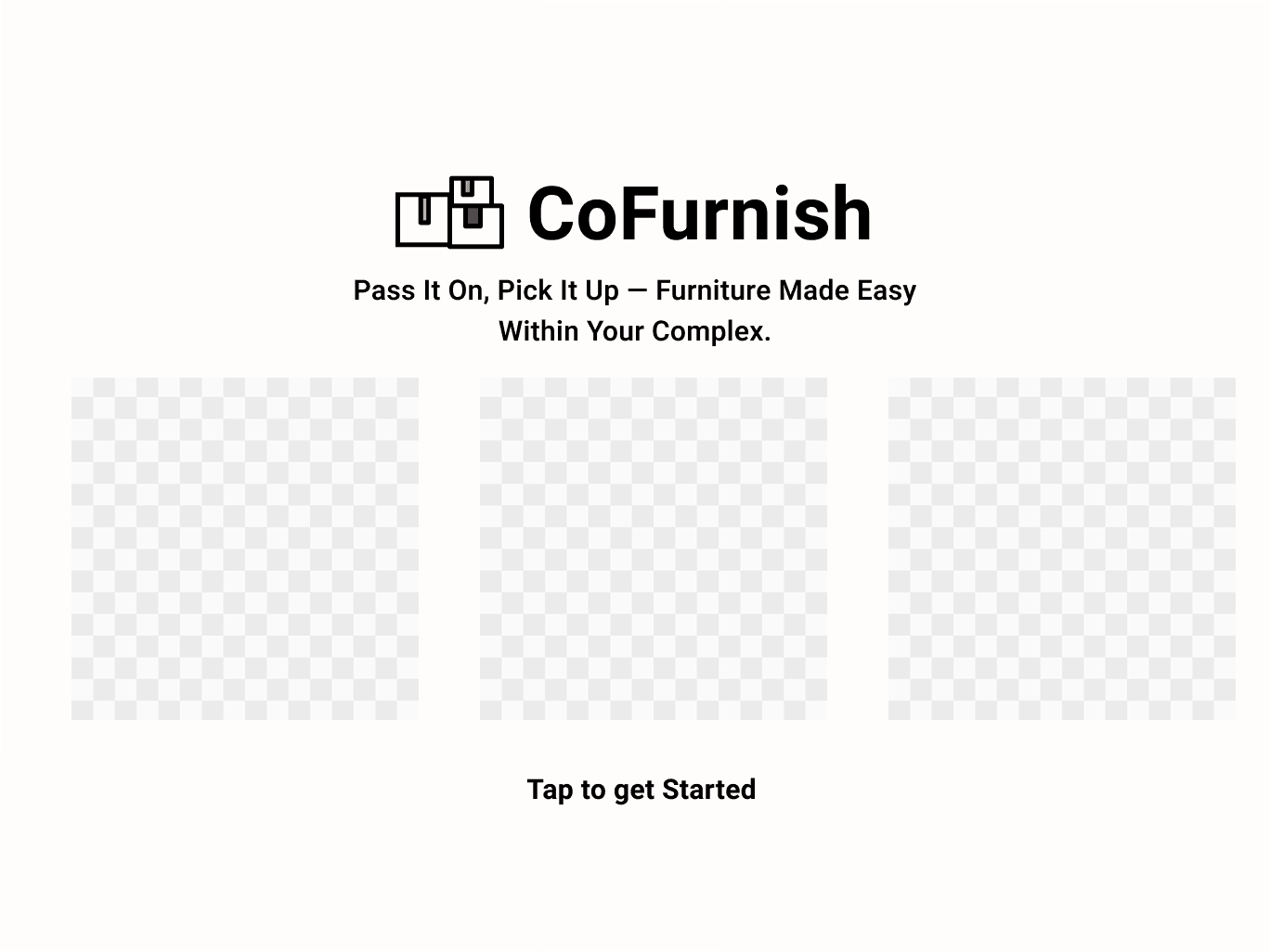
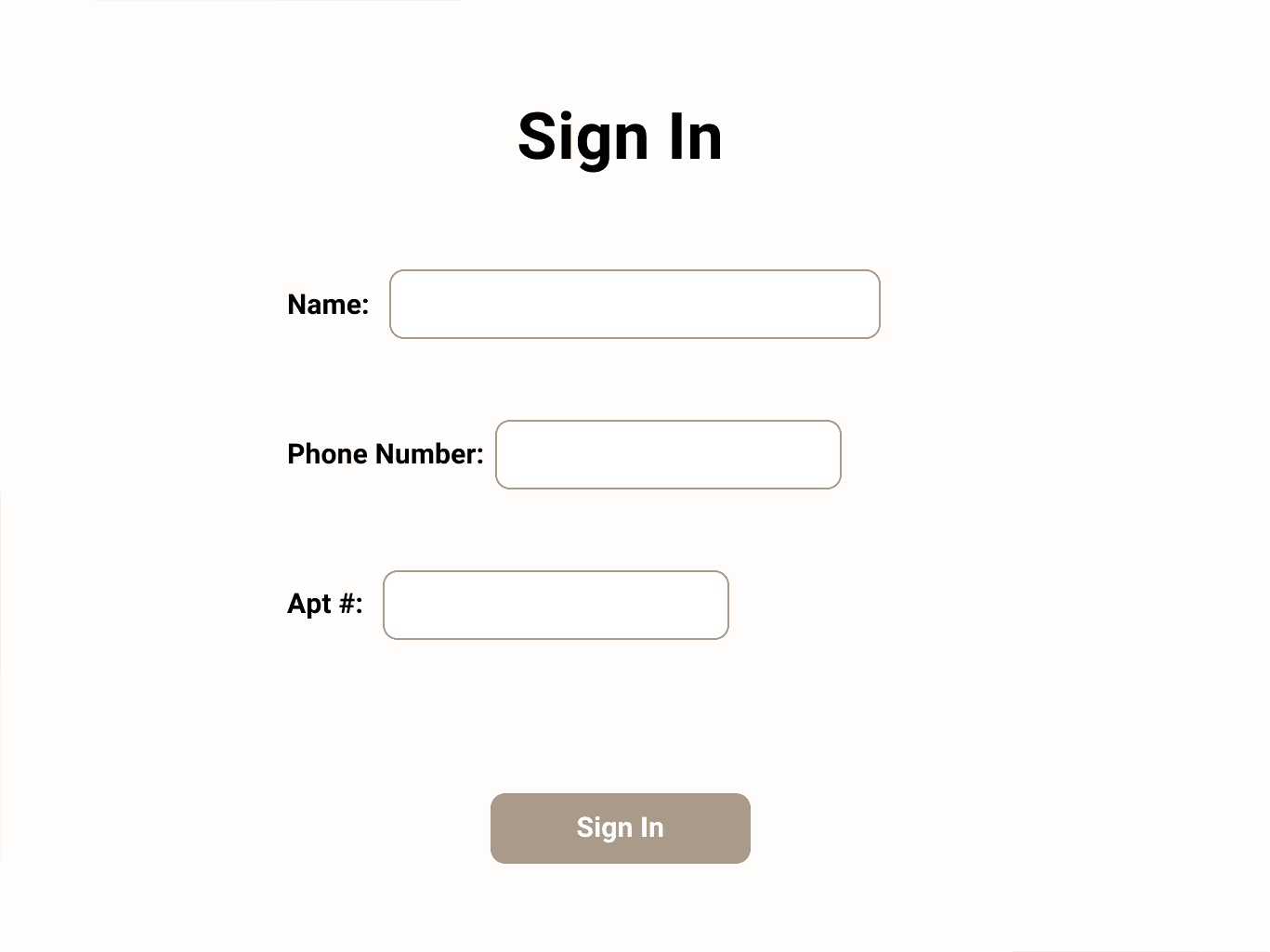
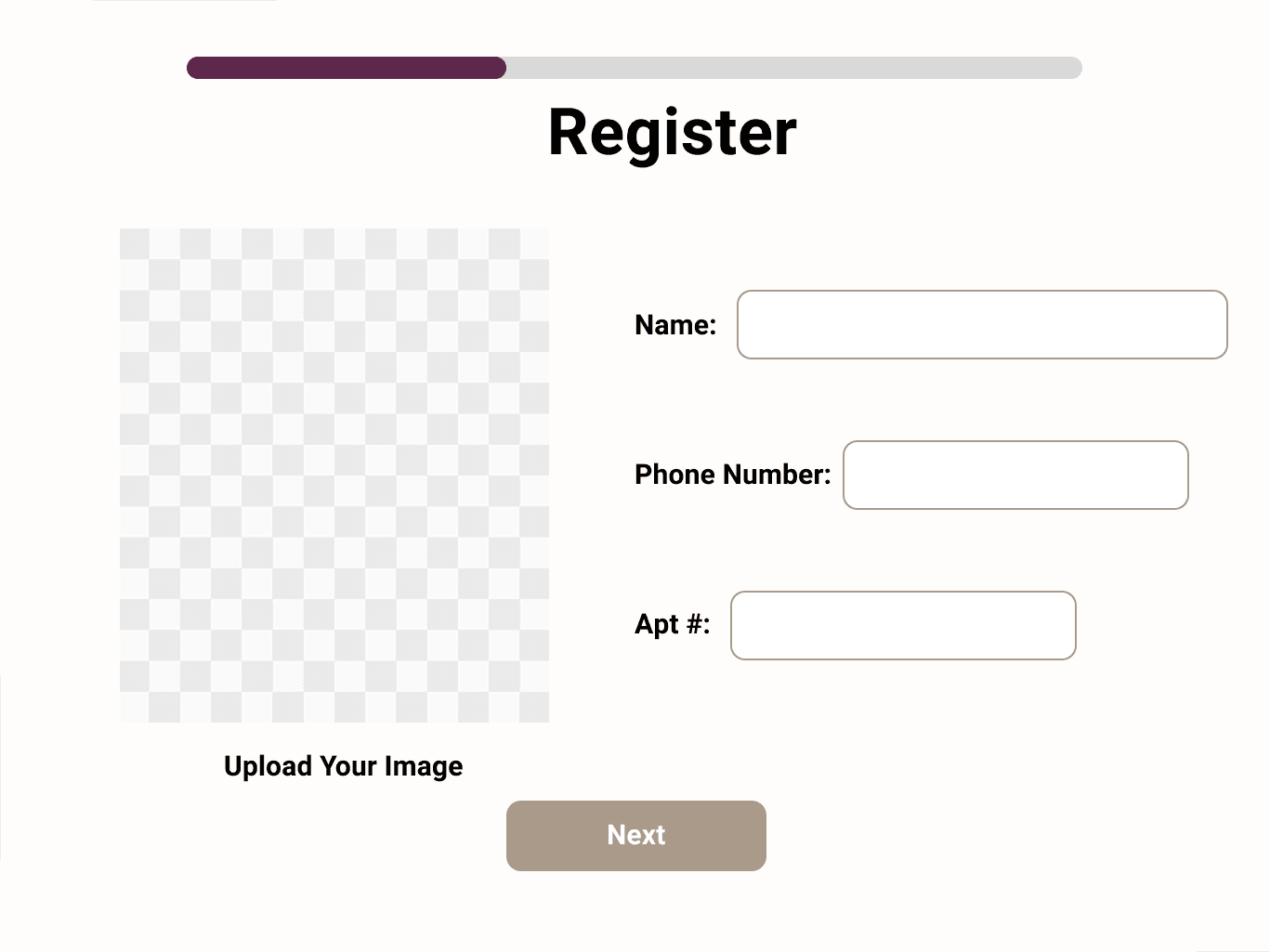
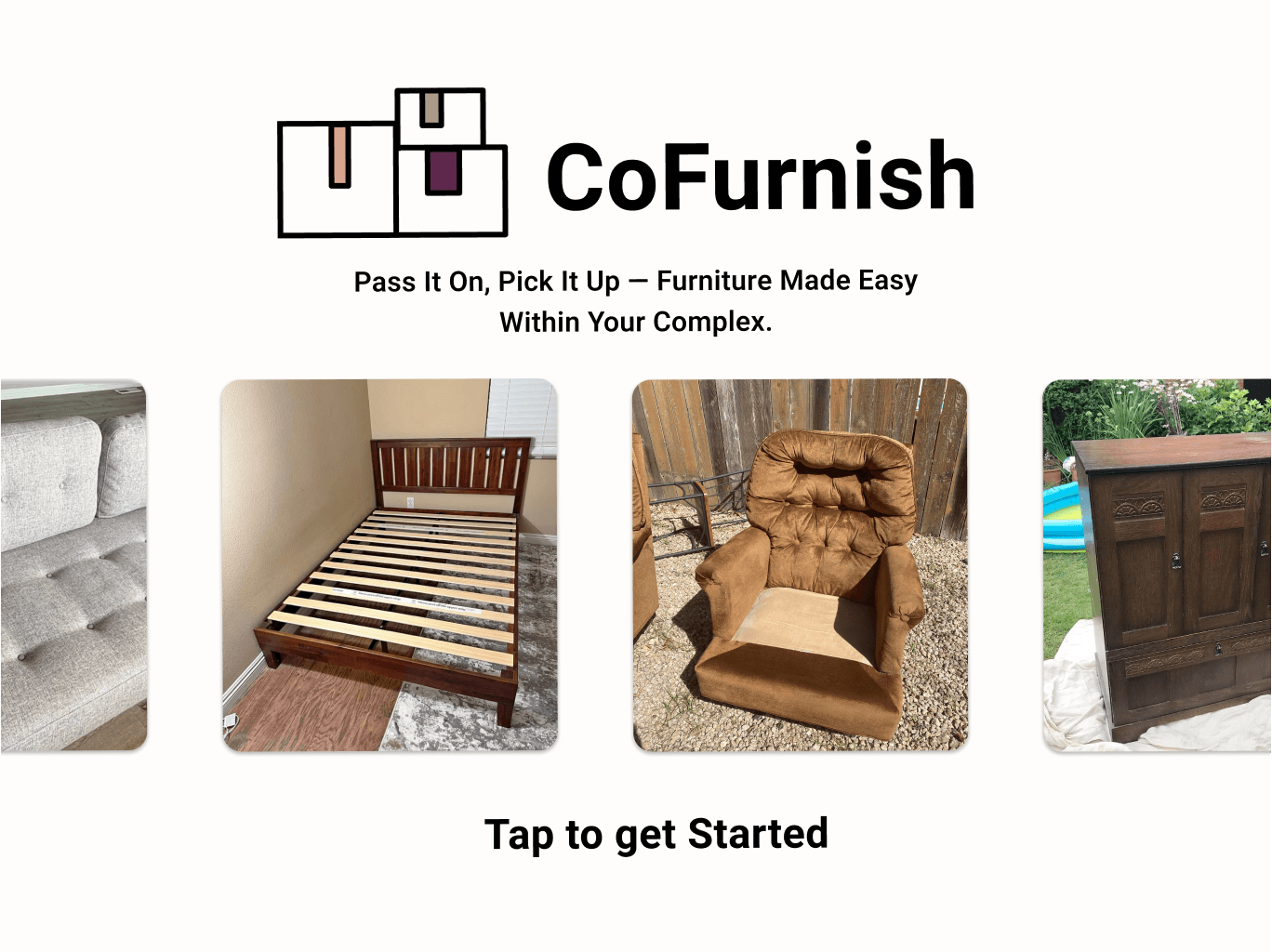
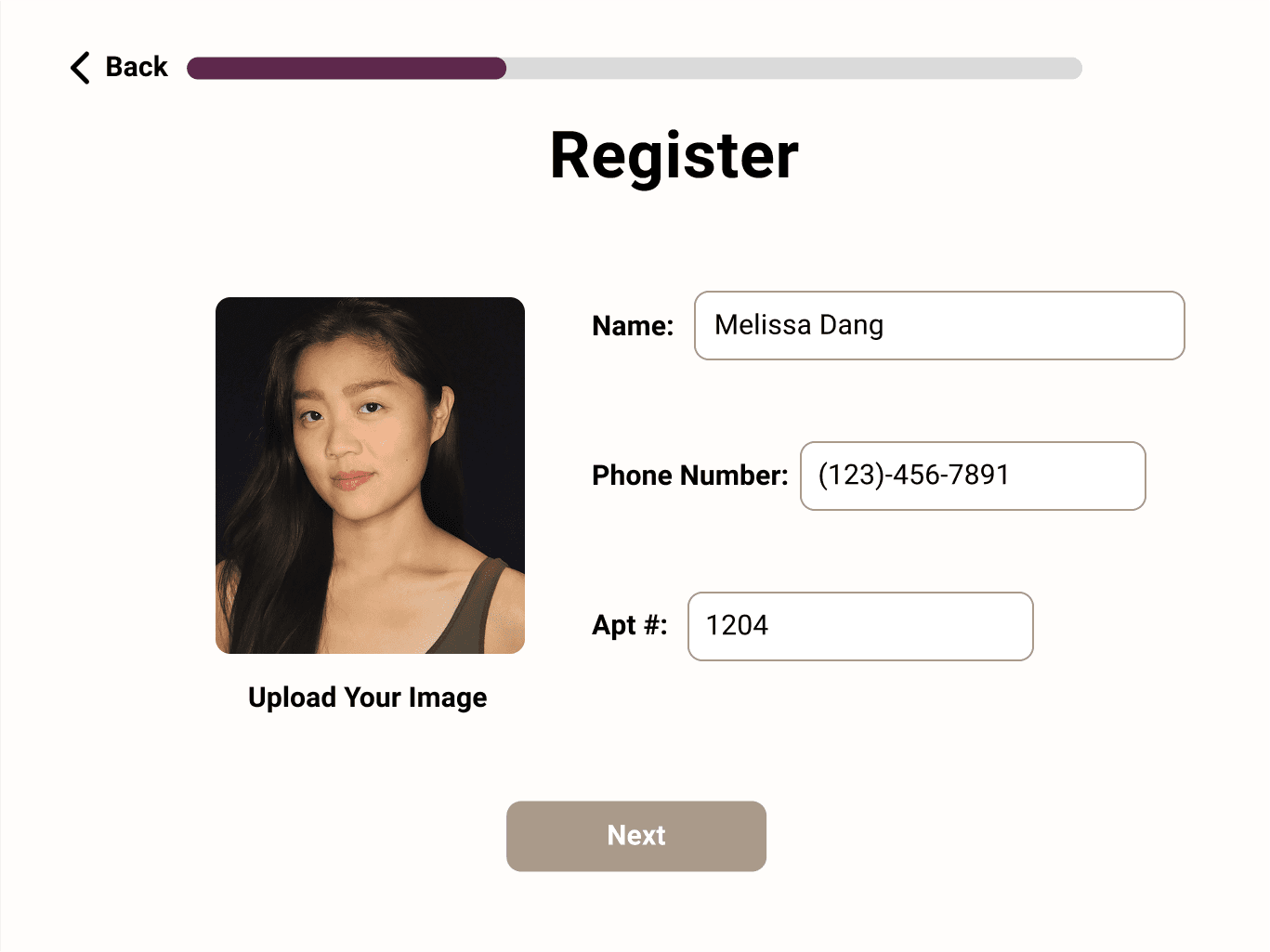
The default landing page of the kiosk; registration page for new users; sign in page for old users
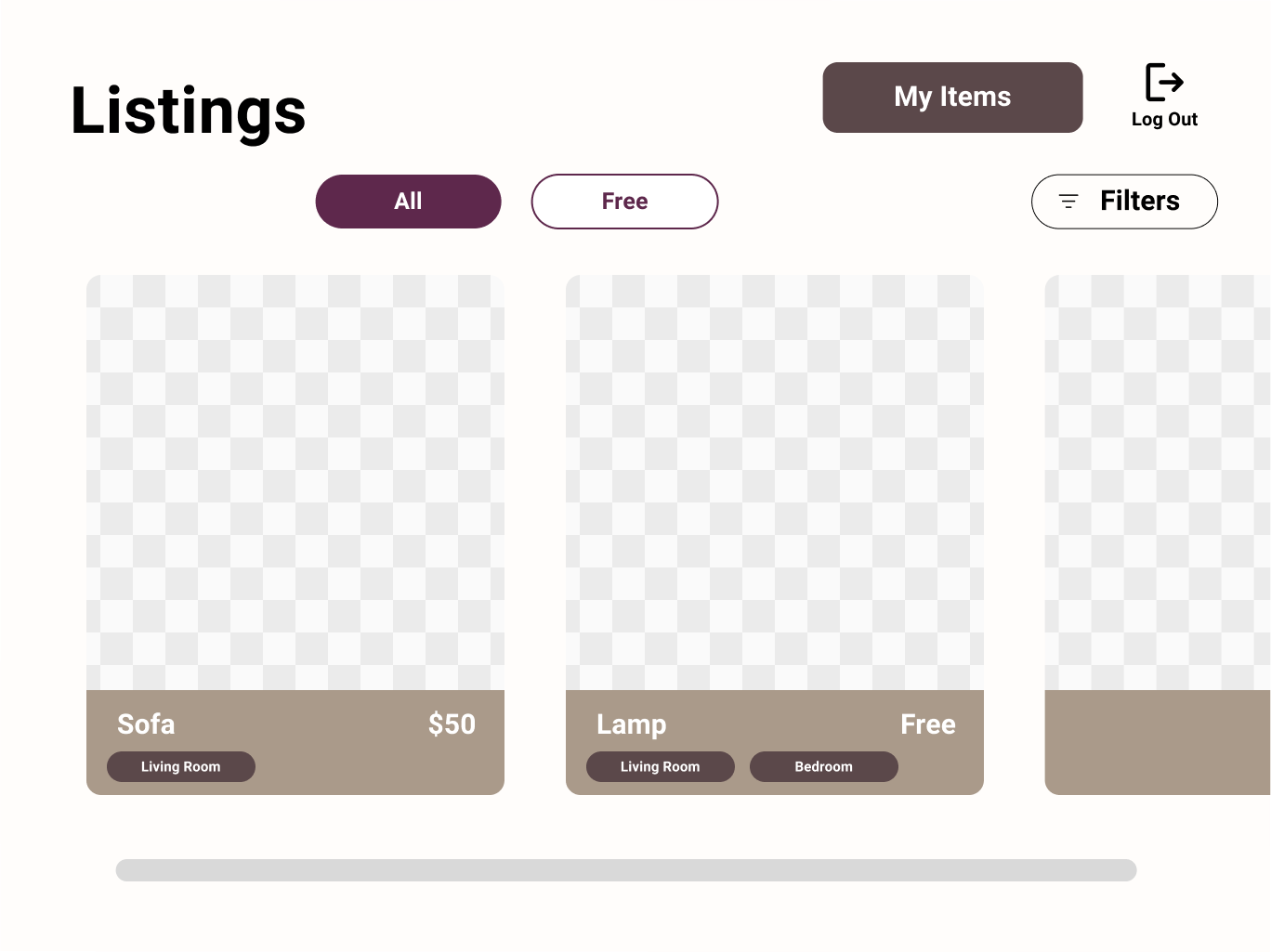
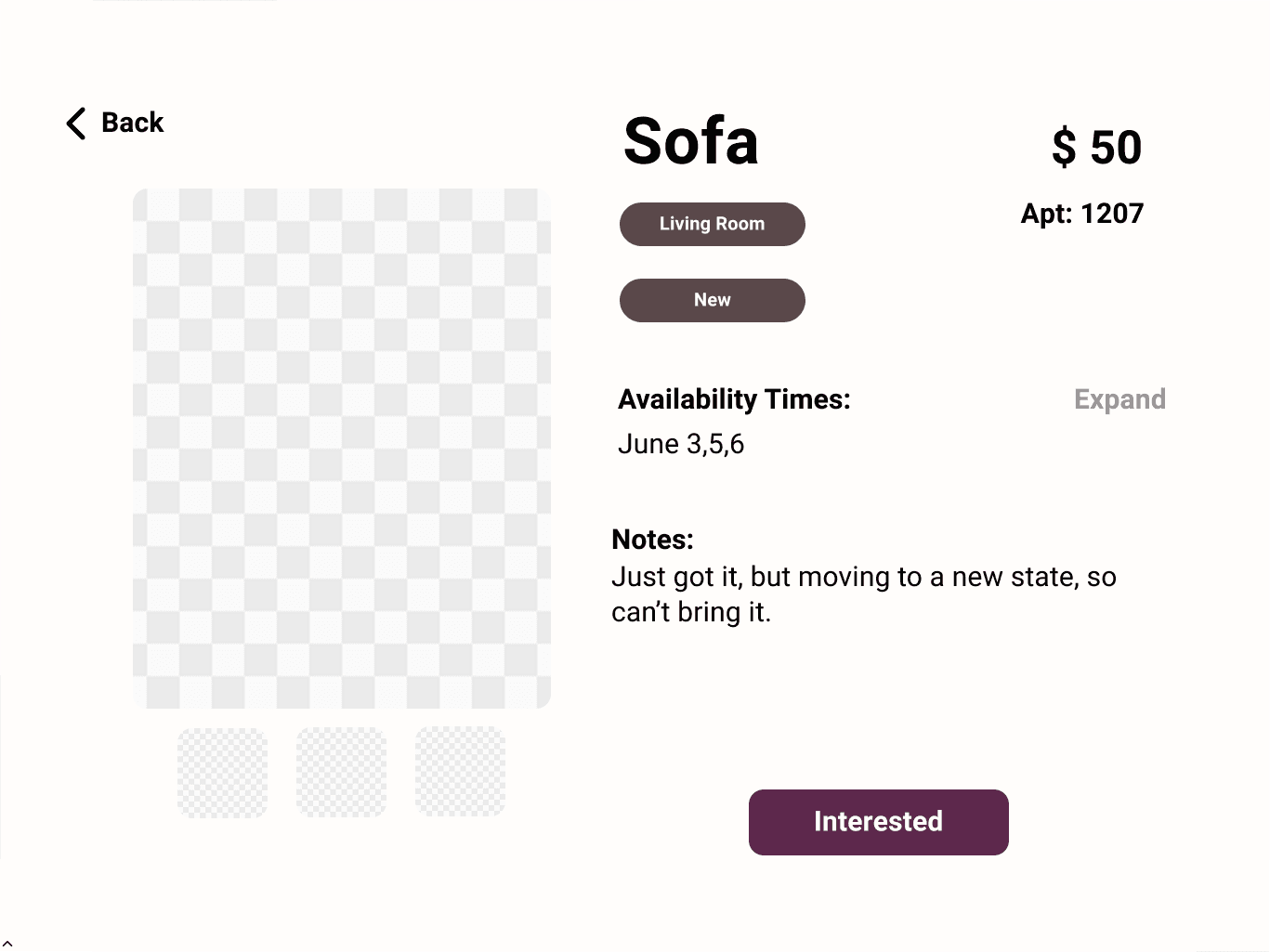
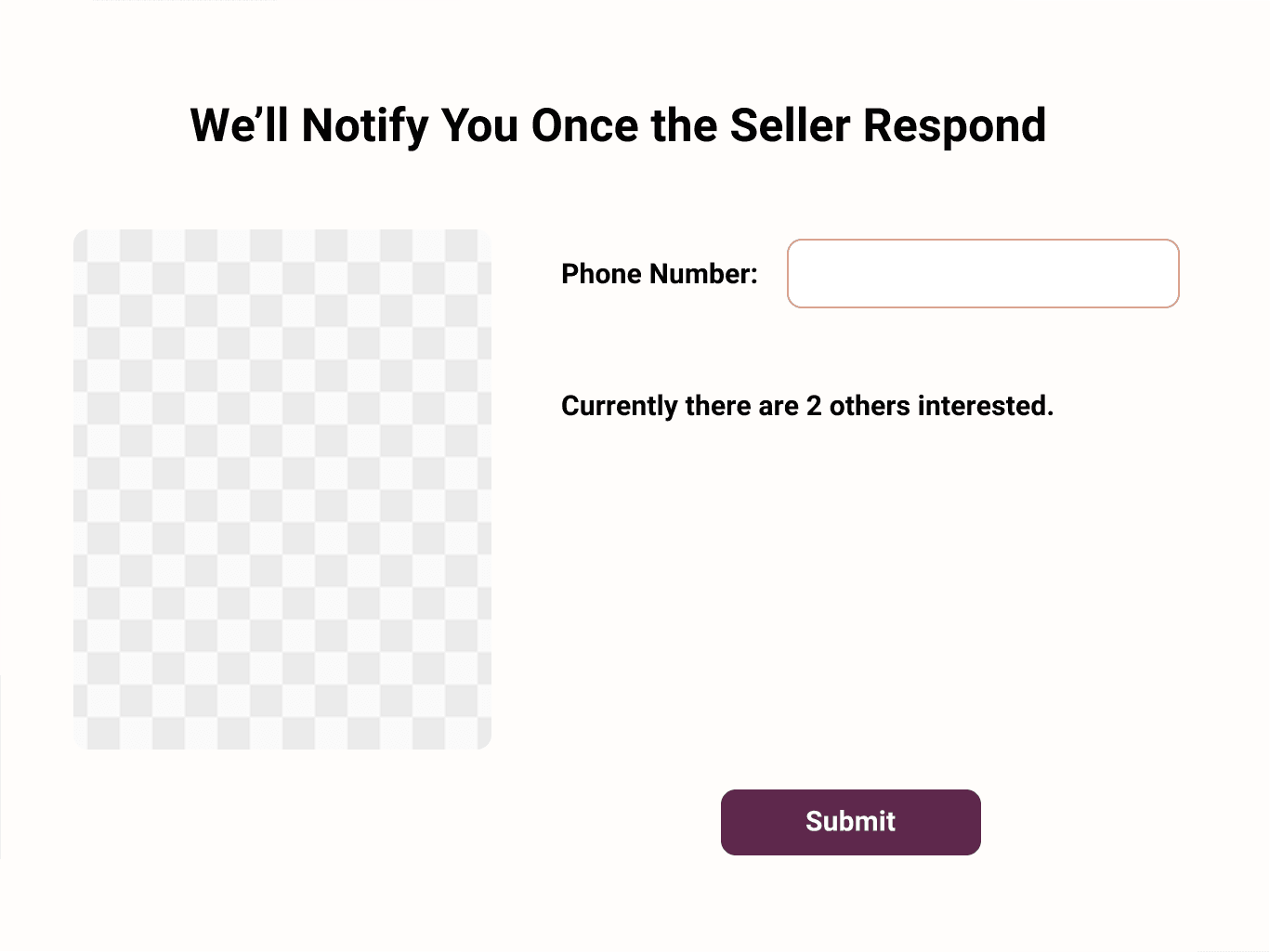
The listing page after getting started as guest, or existing user; listing page view; submitting interest of an item page
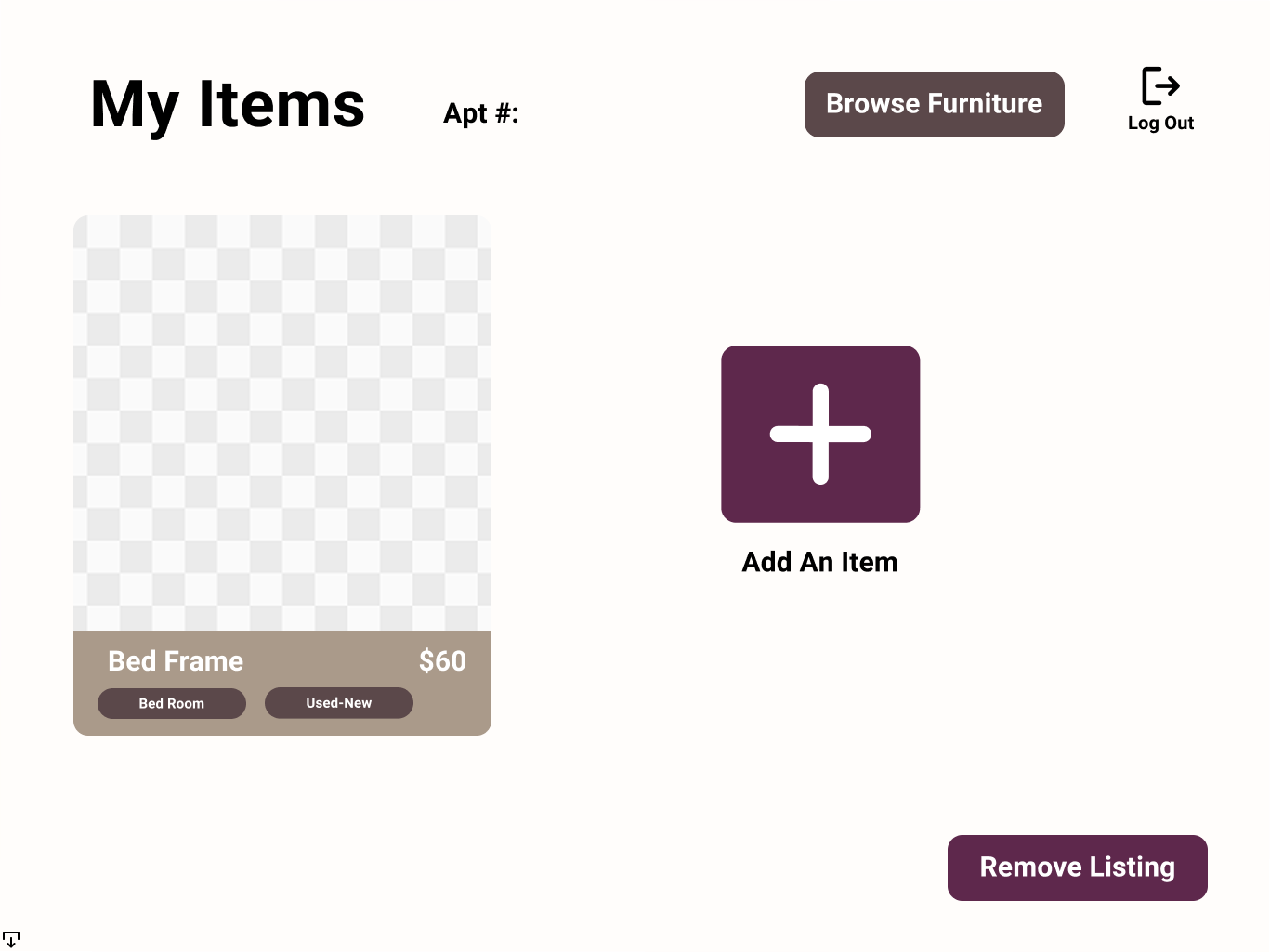
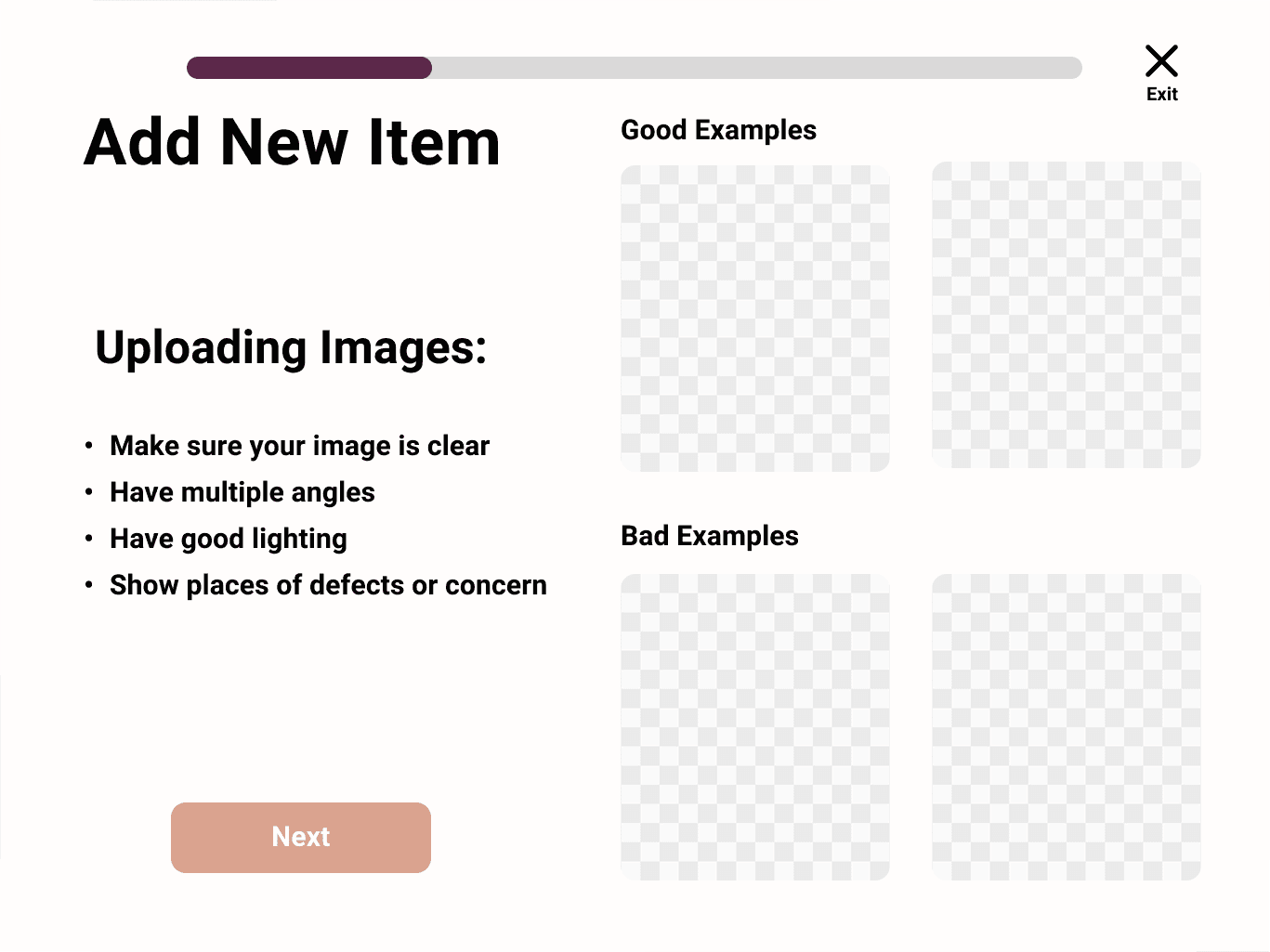
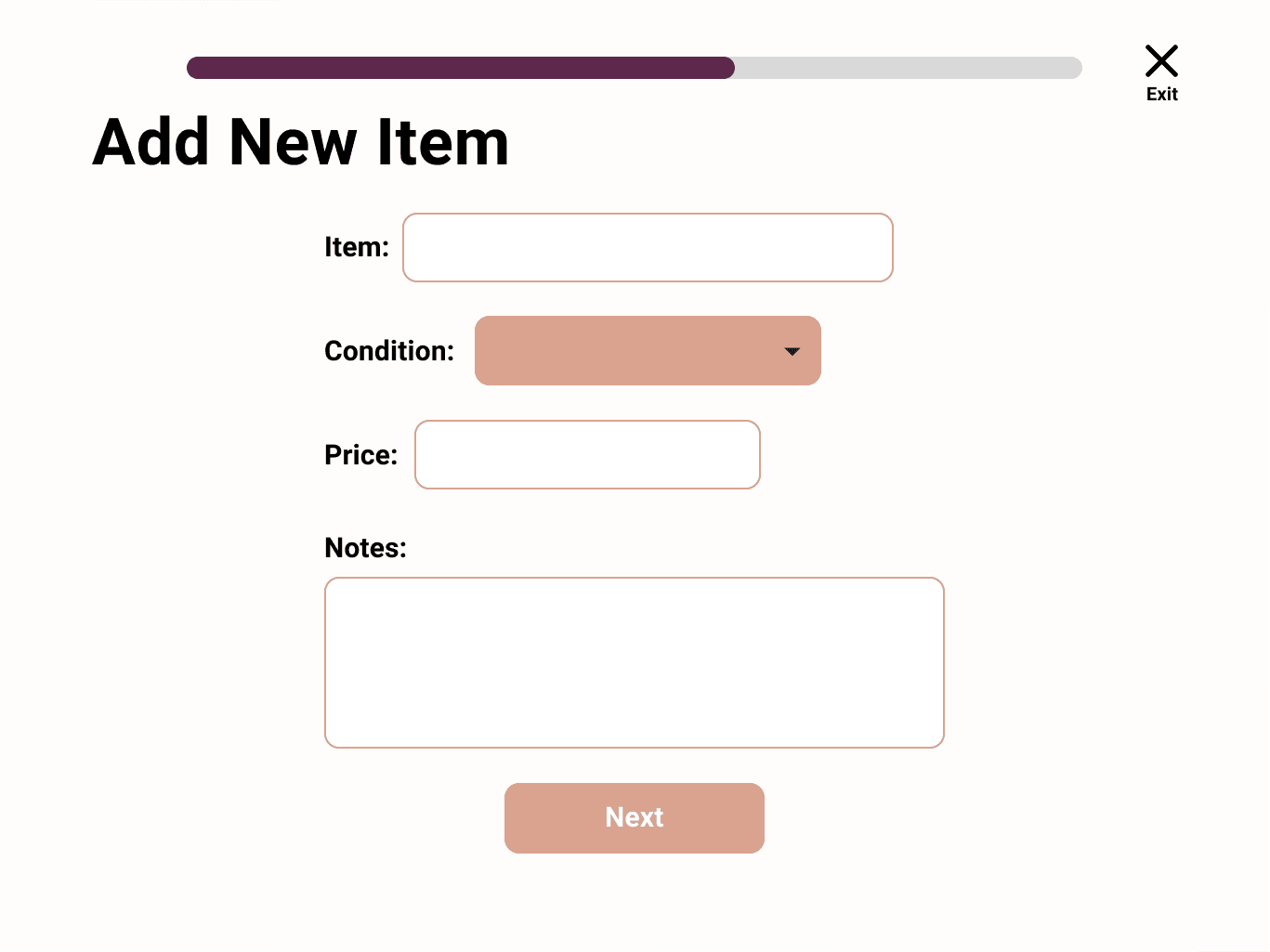
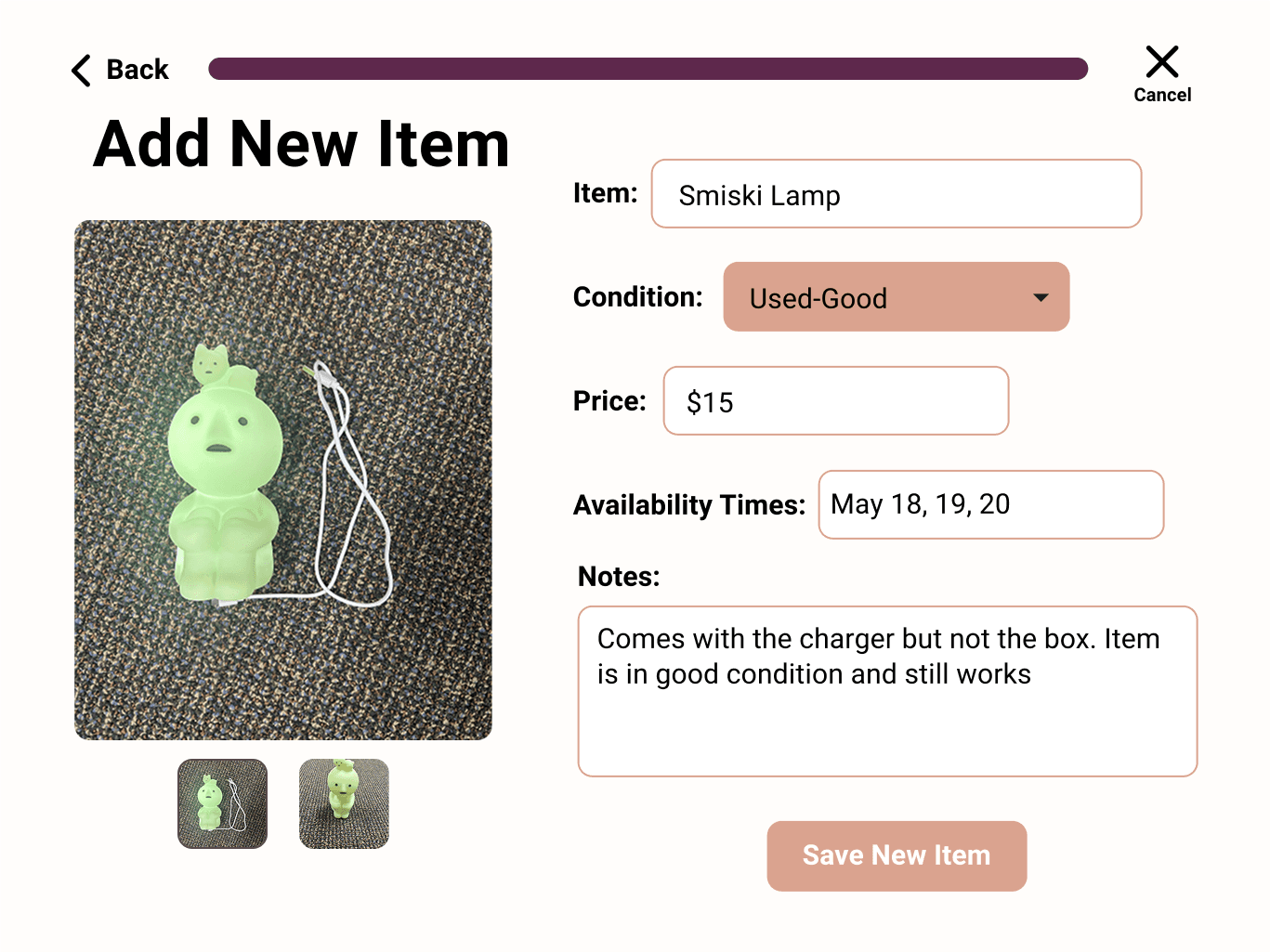
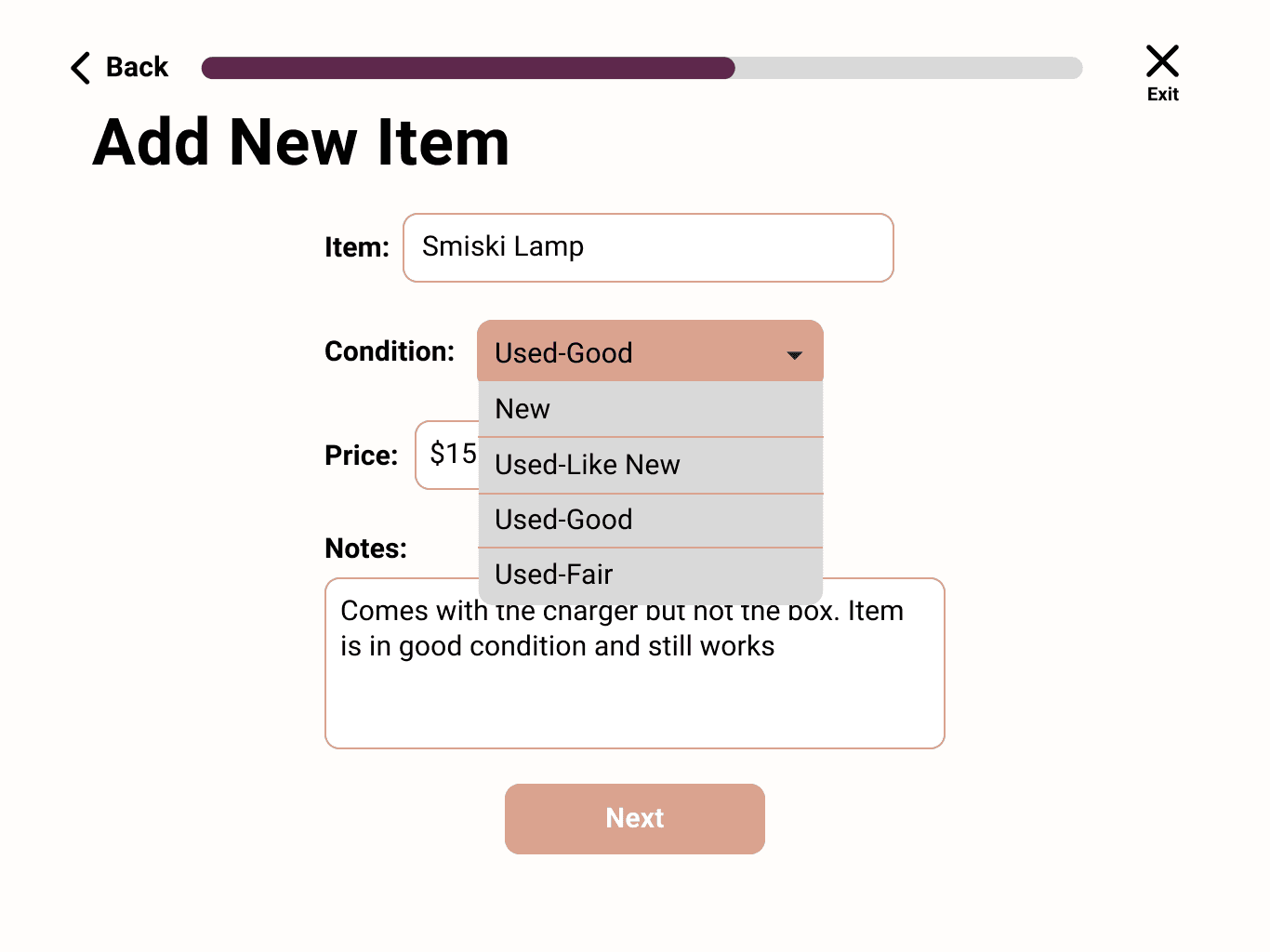
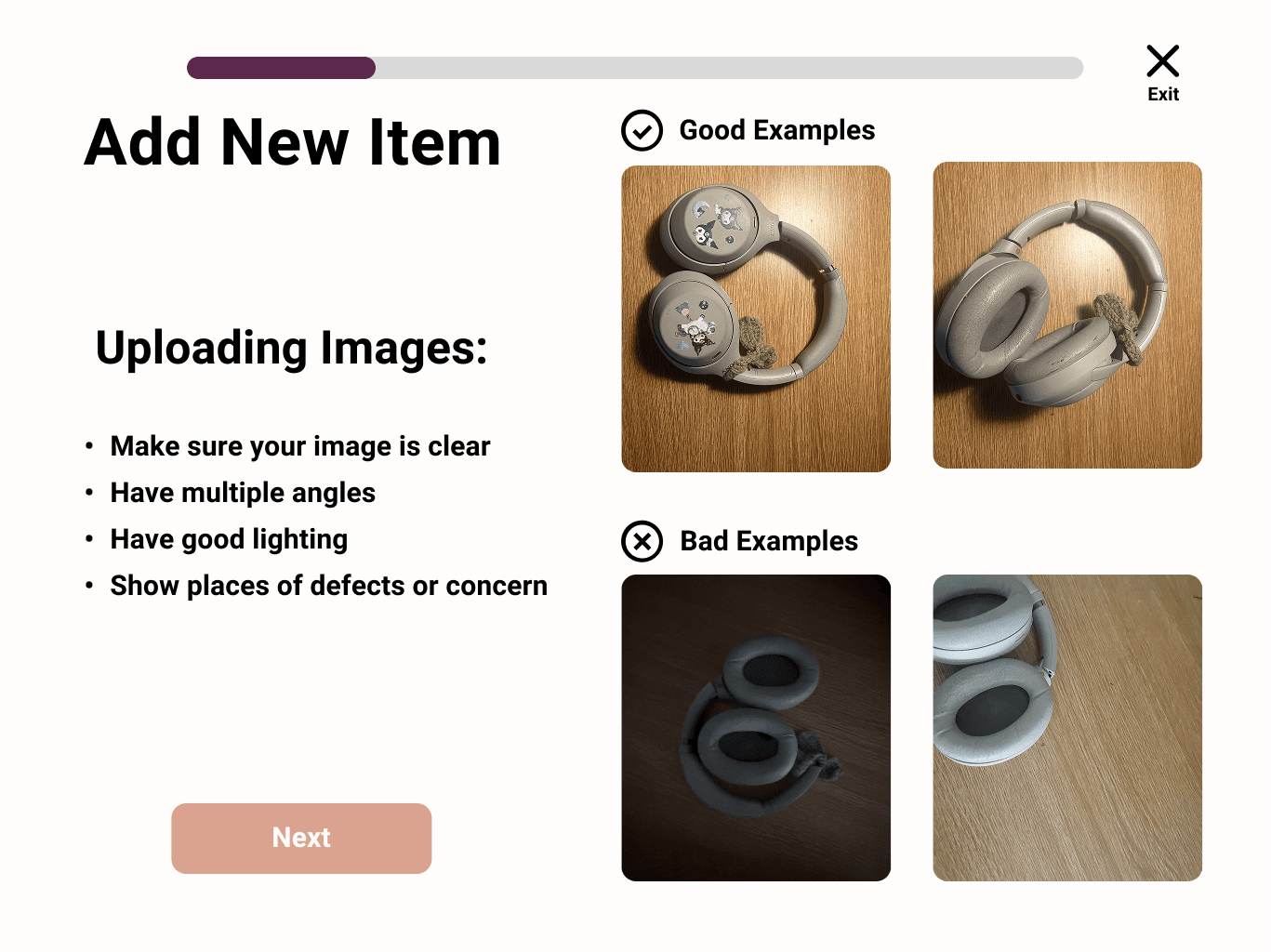
Your own listings page; adding a new listing, and example of what to submit; submission process of adding new items
Our primary user persona graphic, describing Alice Miller’s characteristics, needs, and frustrations.
Hi-fi Prototype
Iterations
Hi-fi Prototype
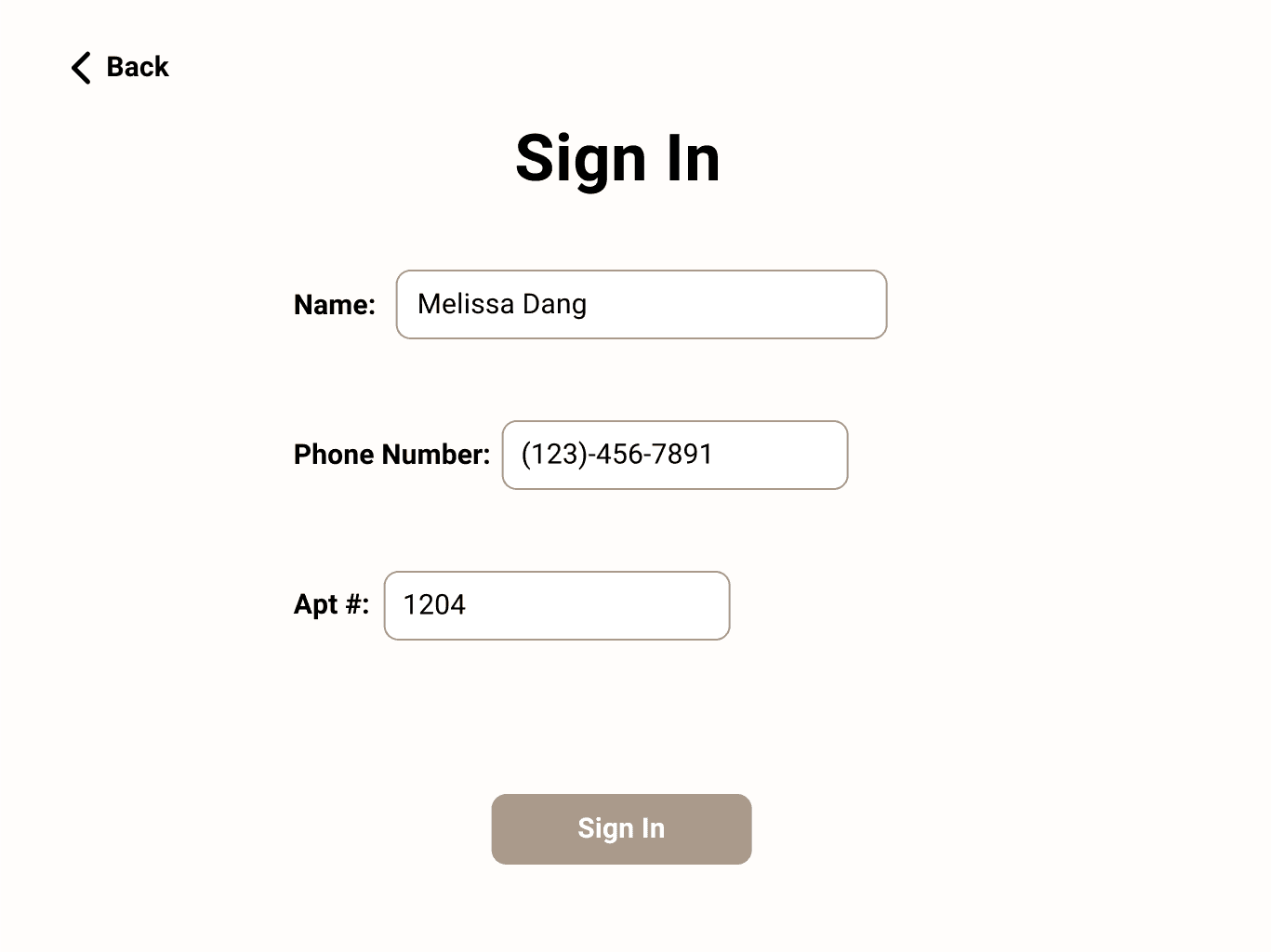
Sign in/ Register Process
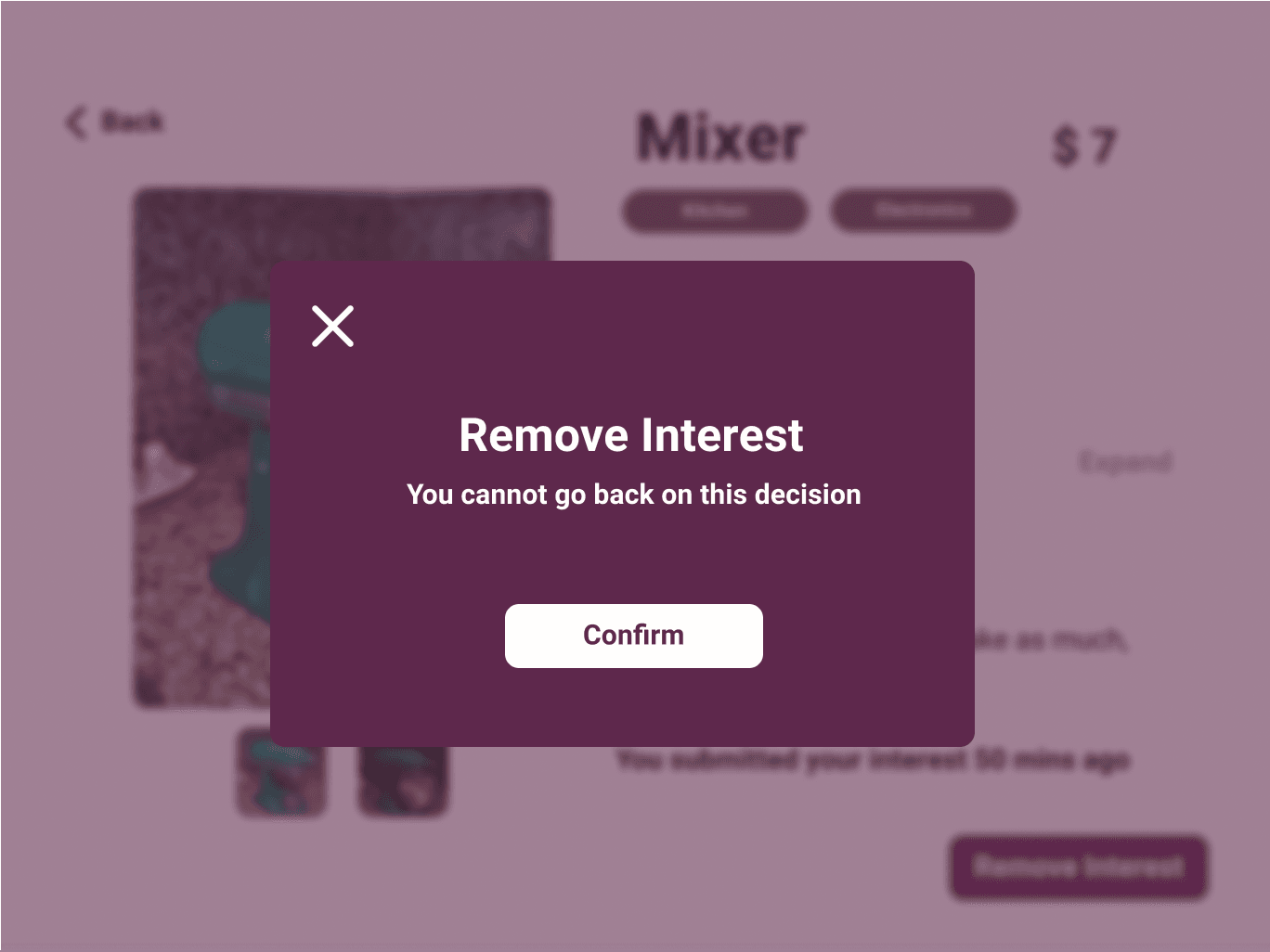
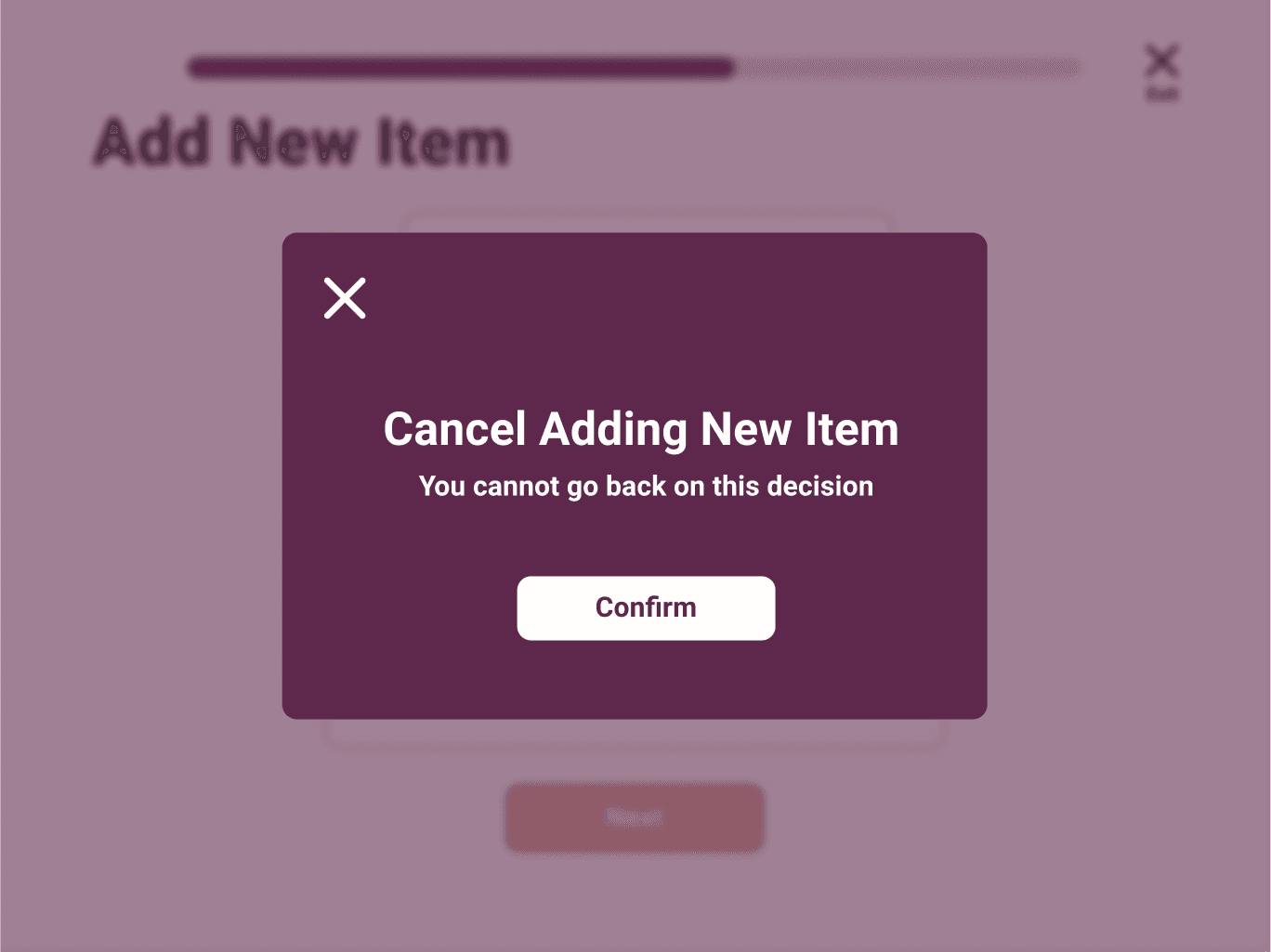
Confirmation Pop-ups
Adding a New Listing
Ending Screens
Filtering for an Item
Showing Interest in an Item
Revisiting Interested Items
Information of Seller
Guest Flow
Based on the initial user testings, we updated some of the features, improved the overall flow, and implemented our visual designs to create our hi-fi prototype that is more clickable and extensive.
Here are few of the key screens:
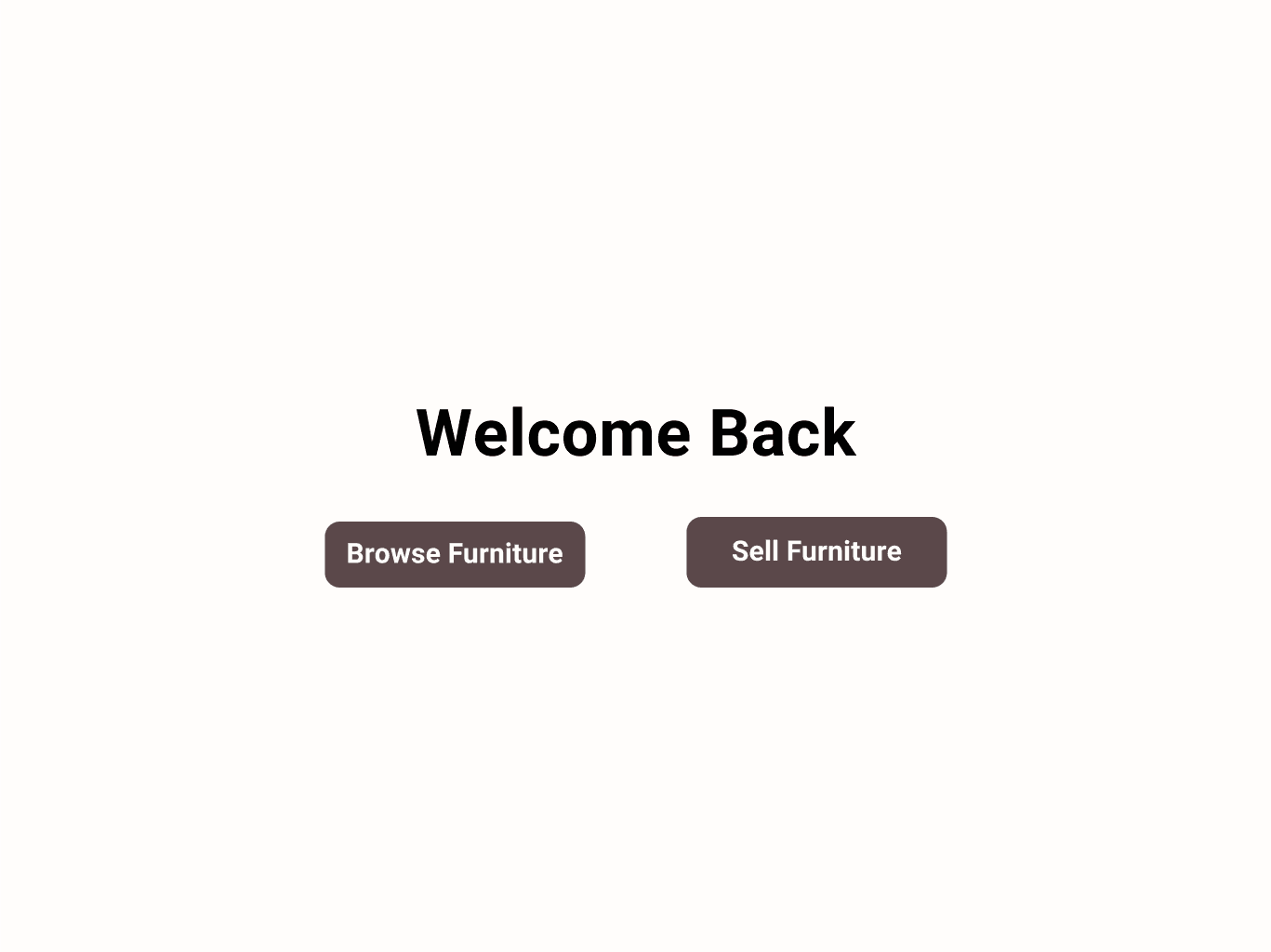
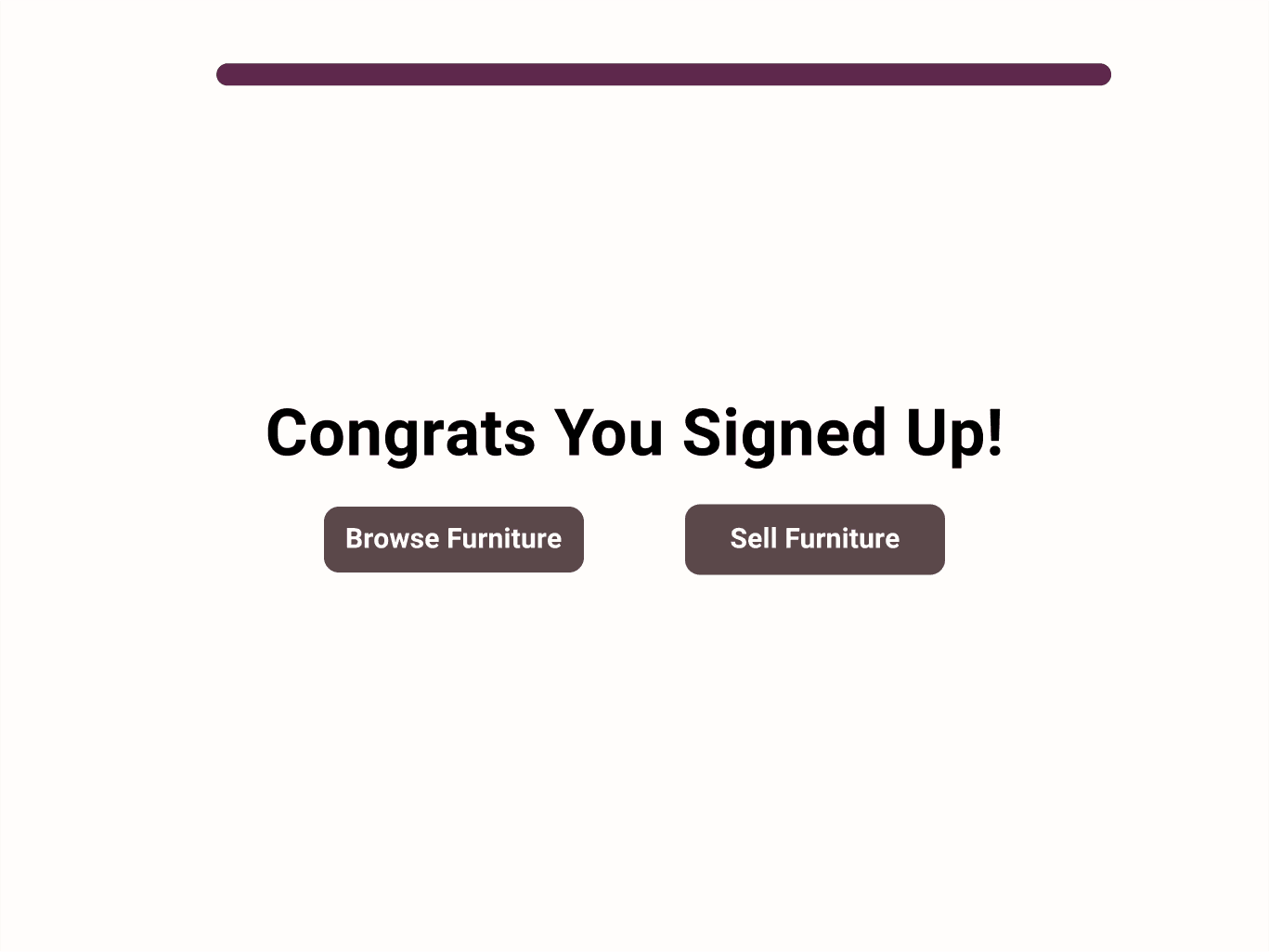
When users first interact with the kiosk, they see a landing page with automatically rotating furniture items. From there, they can choose to sign in, then proceed to either browse or sell furniture.
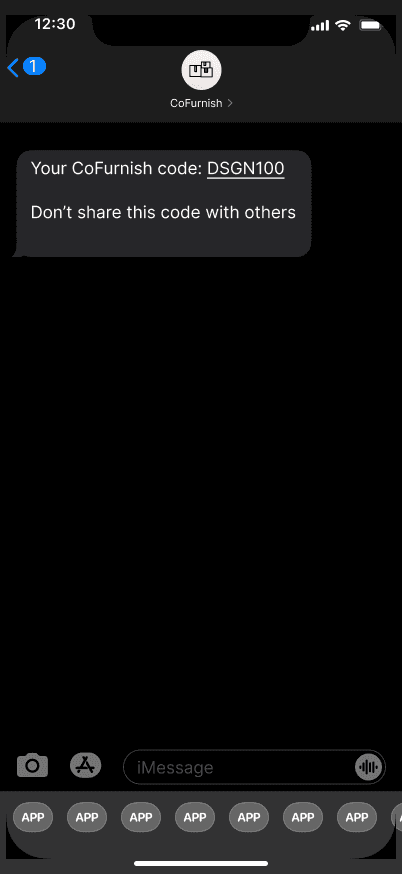
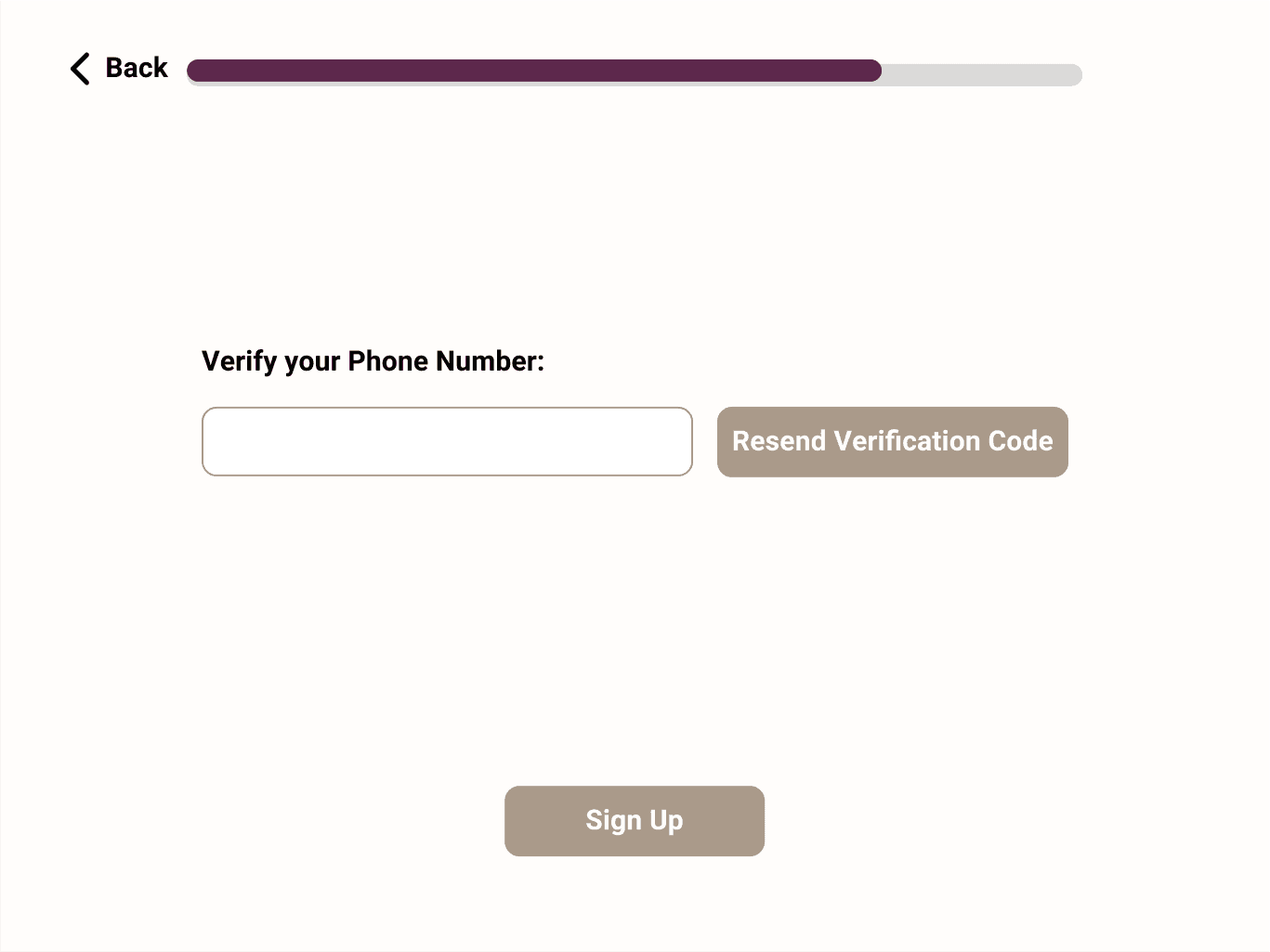
The registration process is shown the first time to allow users to save furniture, create a point of contact, and verify their status as an apartment resident. Users verify their phone number during sign-up, and once registered, they can browse or sell furniture.
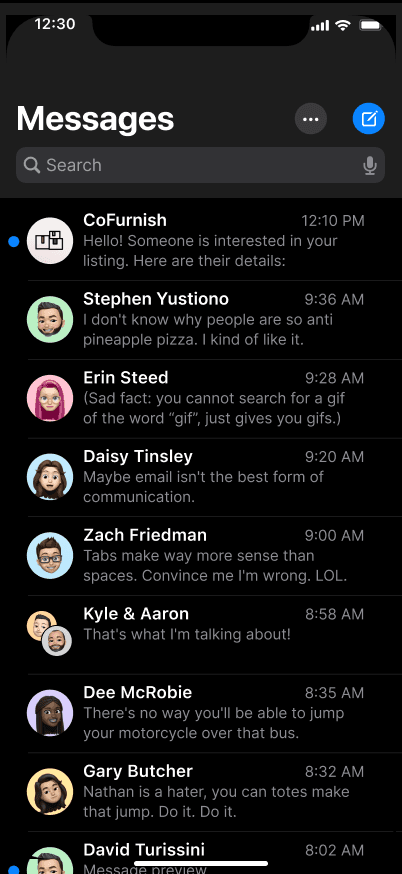
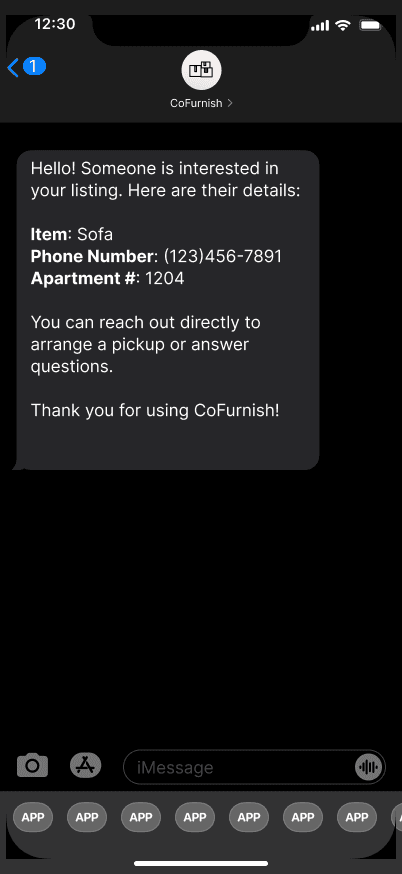
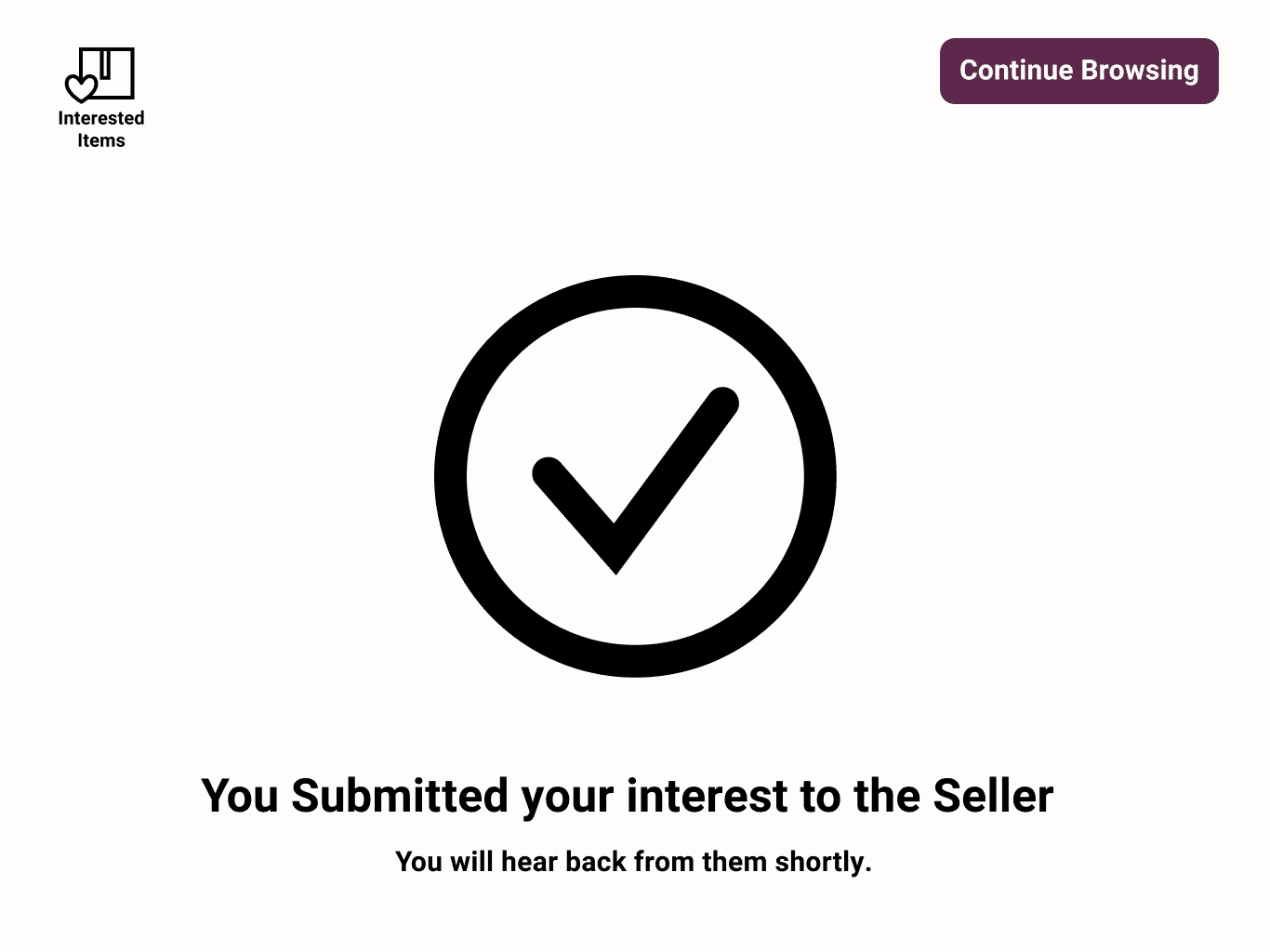
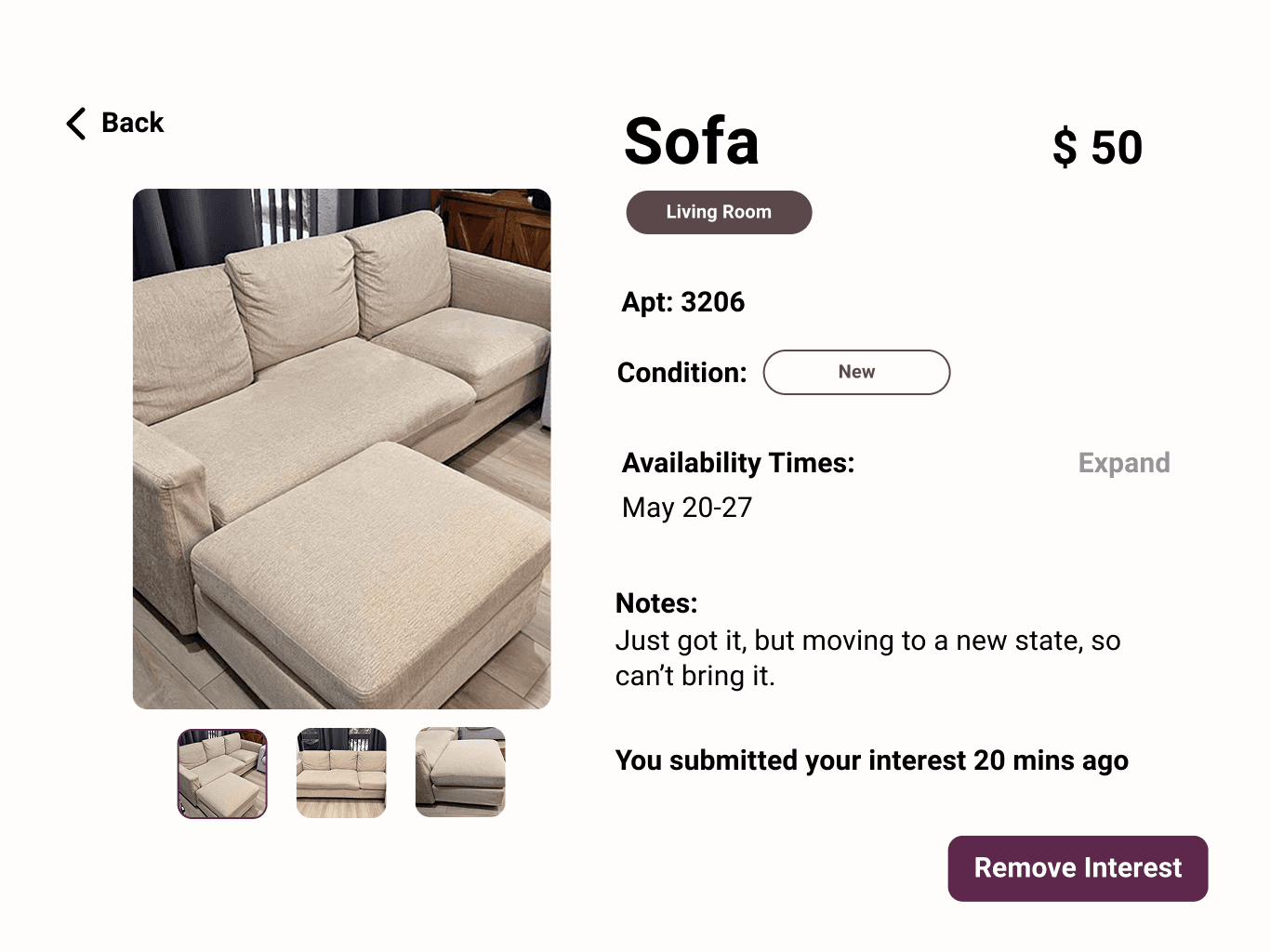
After browsing, users can mark an item as "interested," which sends a notification directly to the seller’s phone.
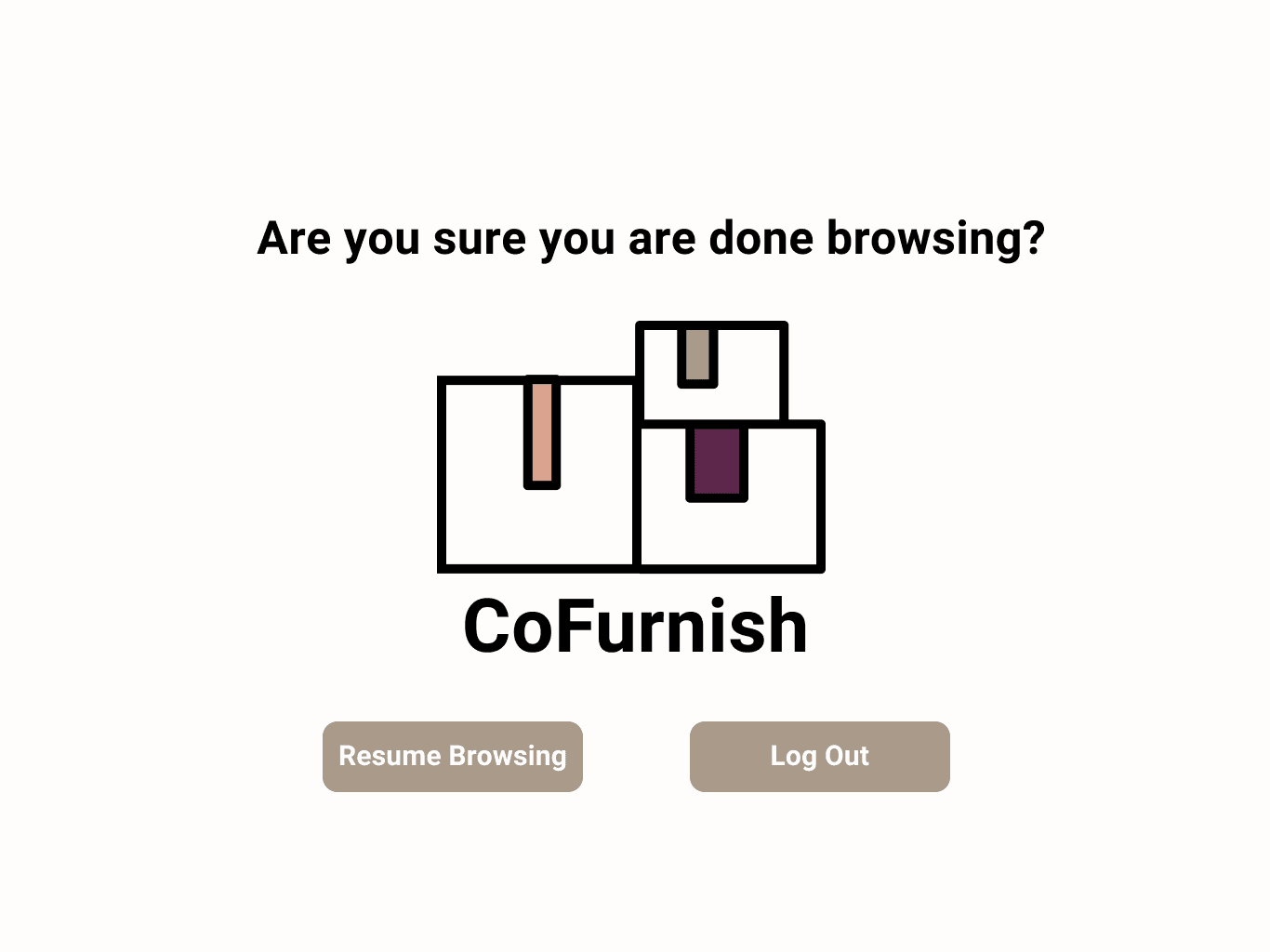
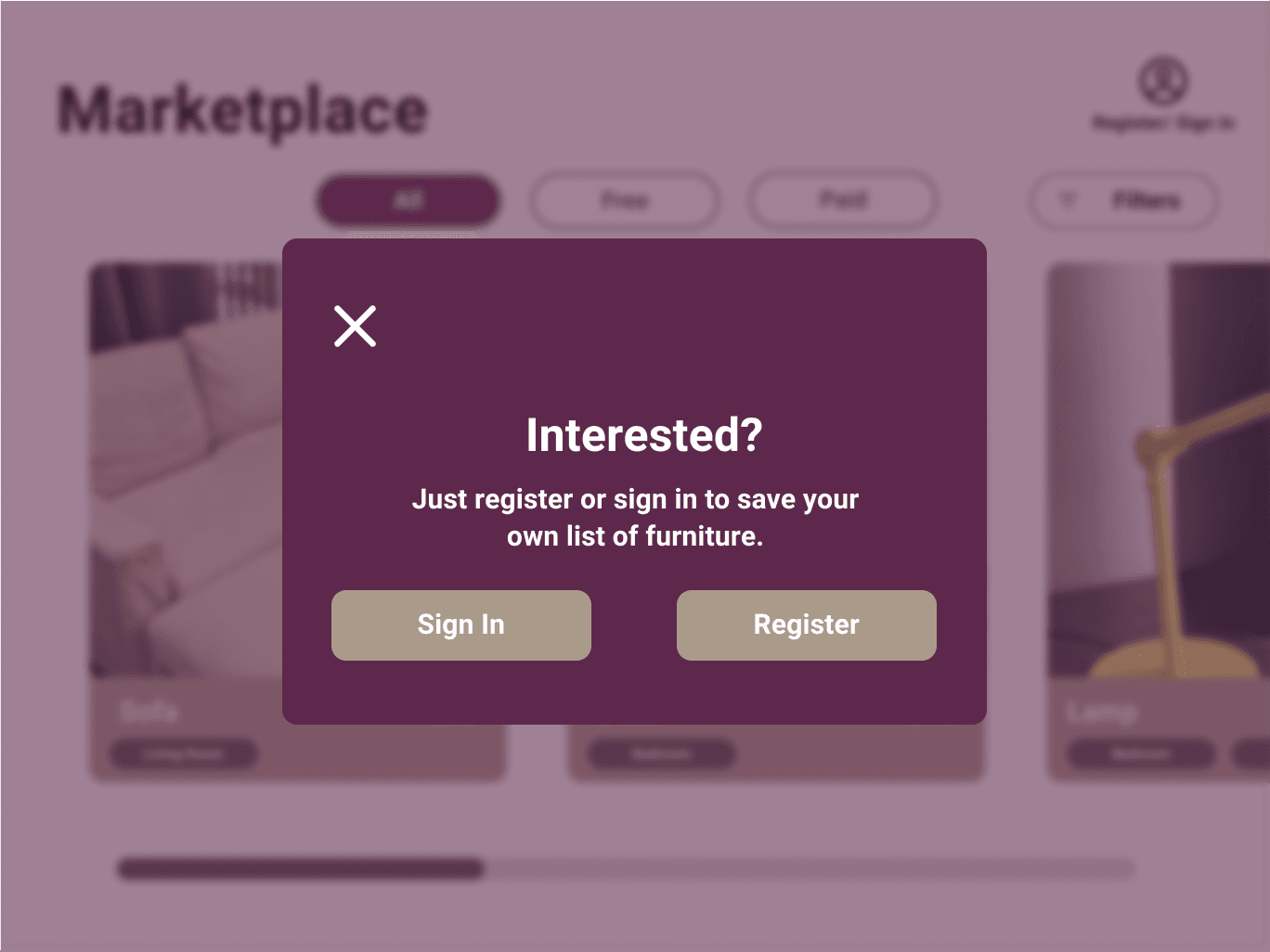
After each action, confirmation pop-ups appear to ensure users are certain about their choices. These include confirming actions like removing interest, adding new interest, continuing, or ending a process.
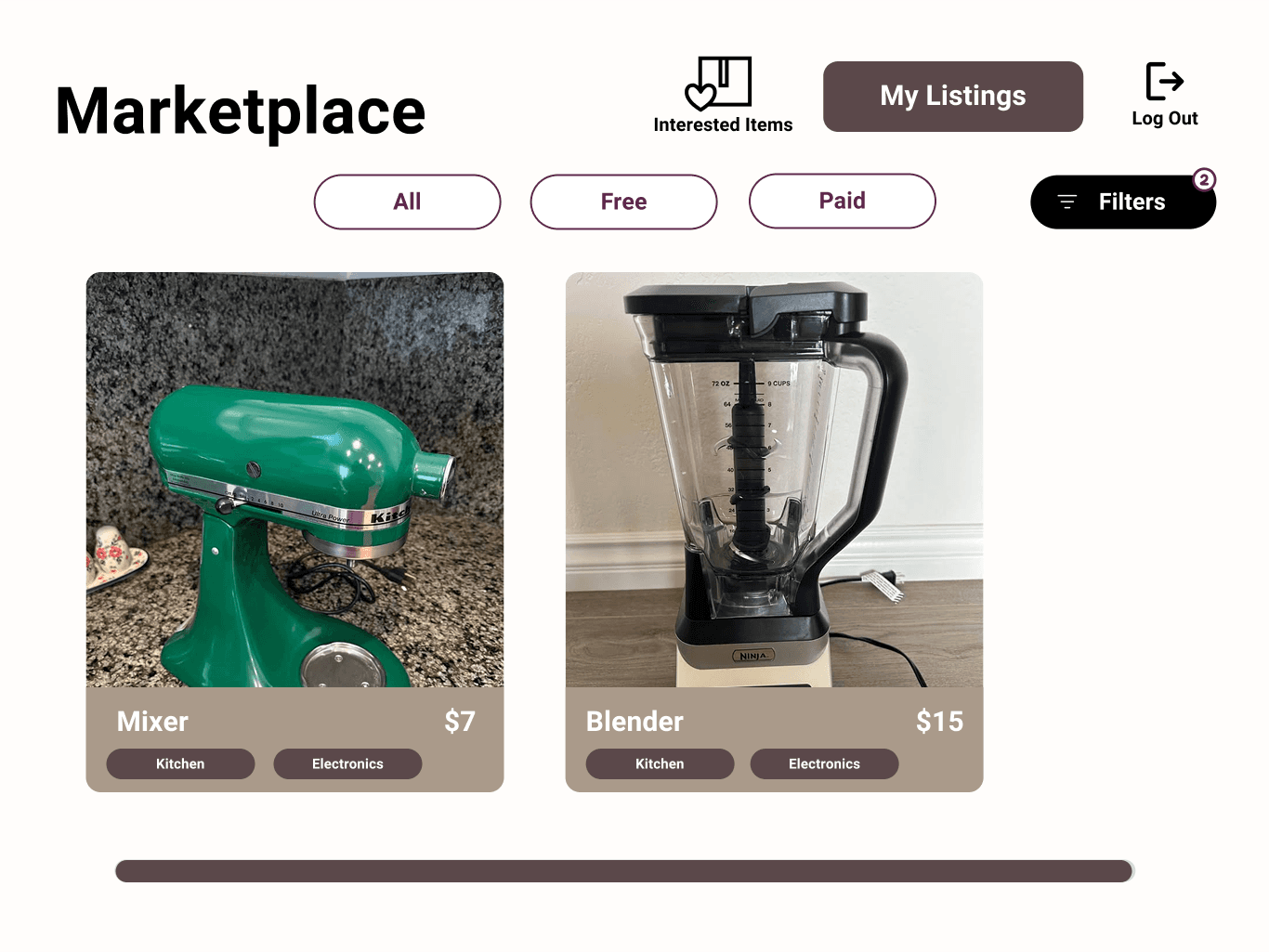
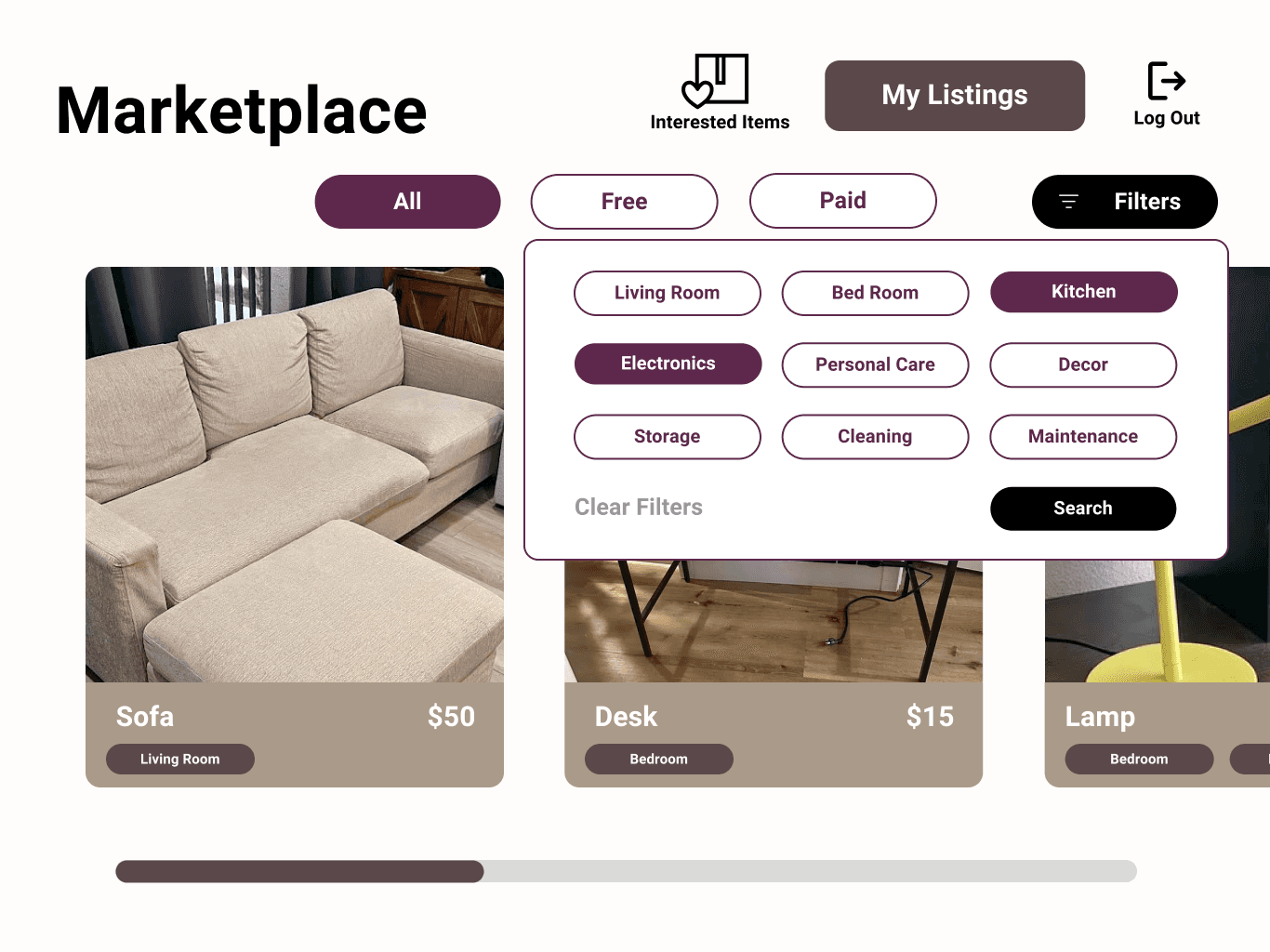
While browsing, users can filter items by category—such as free, paid, or all items—and by specific furniture types, making the search process more efficient.
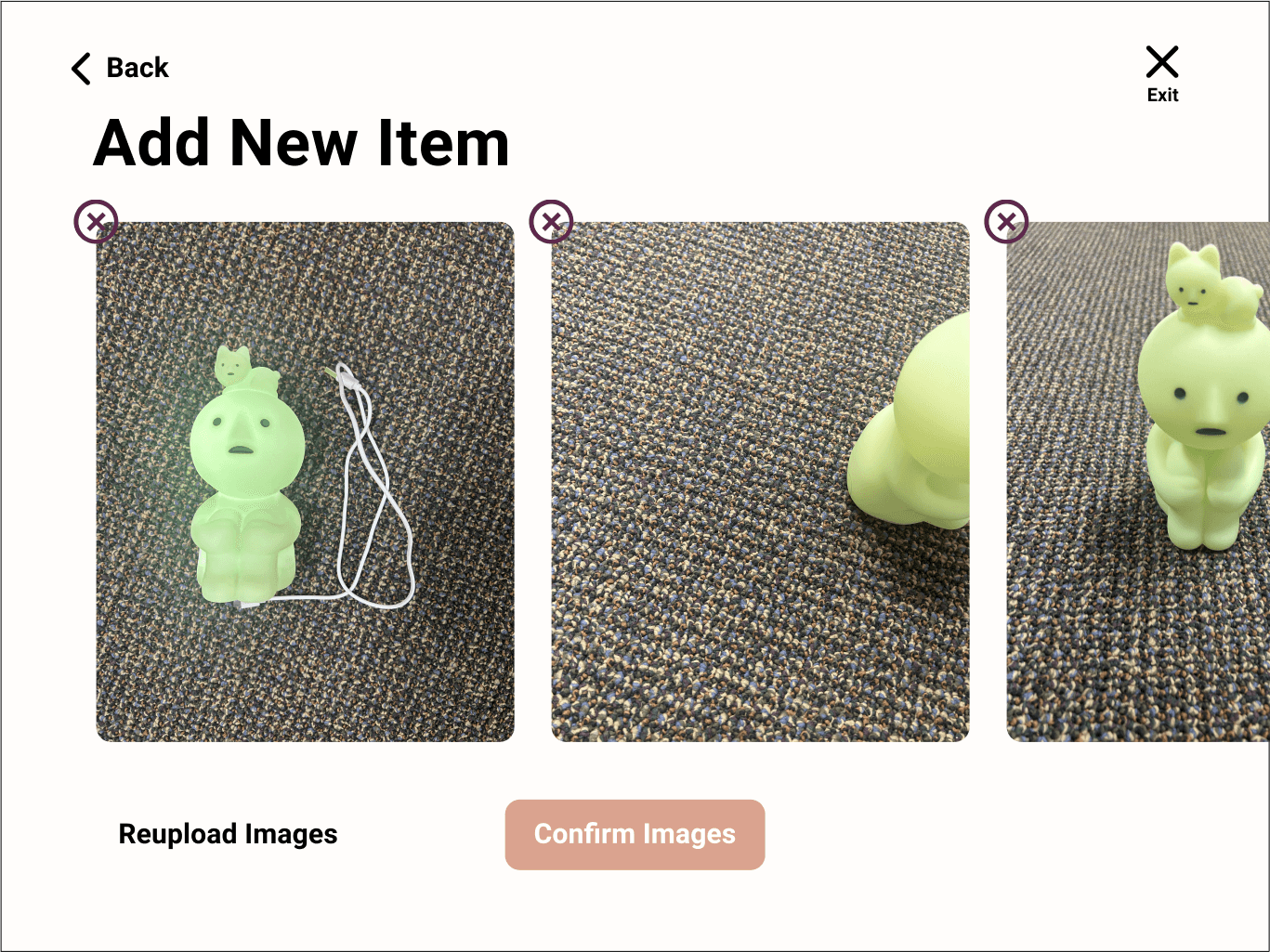
When users want to sell their own furniture, they can upload images, add descriptions, and save their listing. During the process, they can view photo examples to check quality, remove or change images, and navigate back to previous pages to edit their listing before finalizing.
When users finish browsing, greeting screens invite them to return in the future and provide the option to log off and end their session.
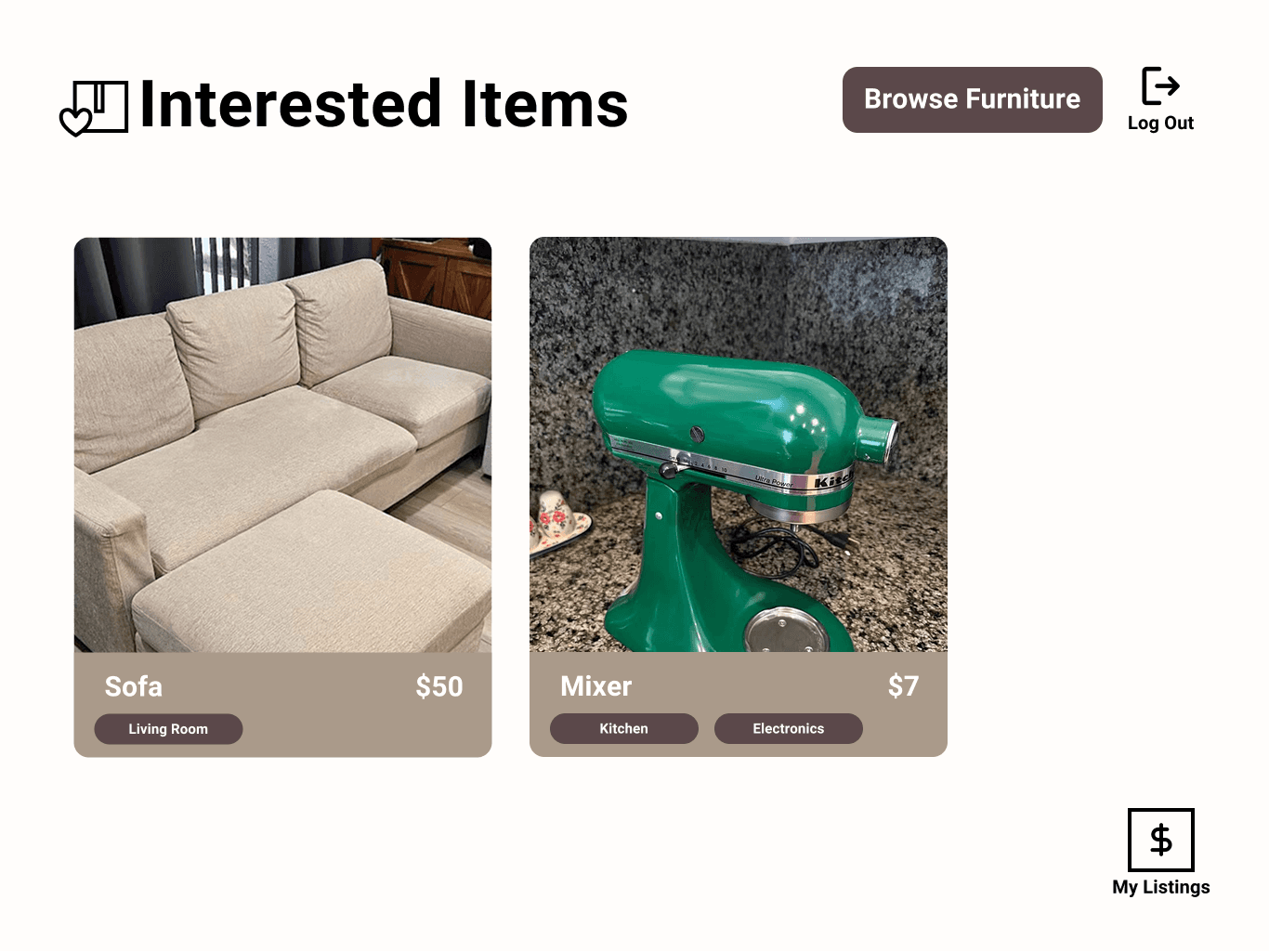
Based on user feedback, we found that terms like "My Items" and "Listings" were confusing because they didn’t clearly separate buying from selling. To address this, we introduced an "Interested Items" section for items the user wants to buy, while "My Listings" is now dedicated to items the user is selling. This change helps users easily differentiate between the two actions.
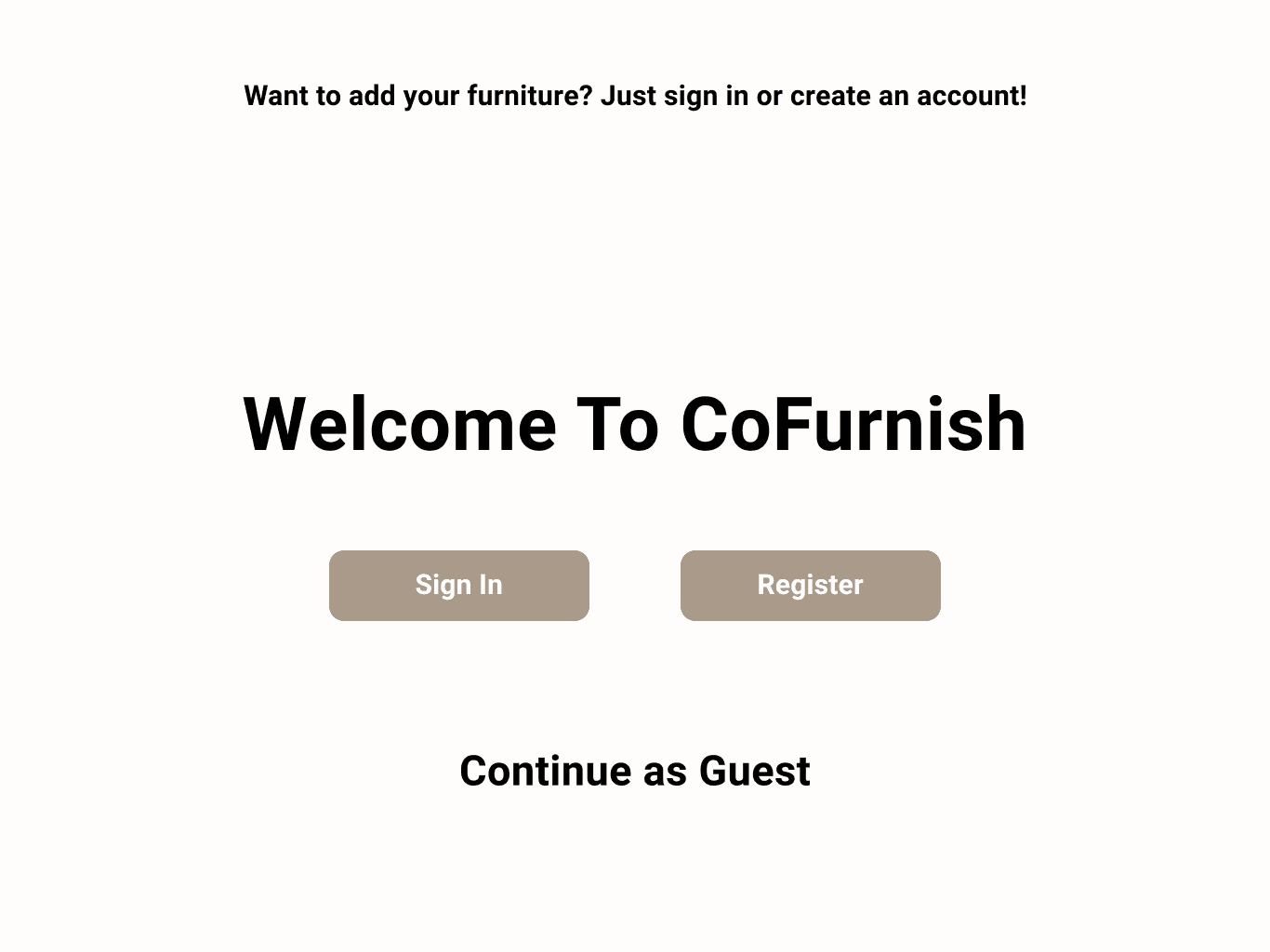
We implemented a guest flow where users can browse and explore the platform without logging in. However, features like viewing personal listings or saving items are only available after registration. This flow was designed to reduce confusion, making it clear when guests need to sign in or register to access additional services like selling or tracking interested items.
We included seller information to ensure the validity of each listing and confirm that the seller is a verified apartment resident. This adds a layer of safety and trust to the process. Buyers can view the seller's contact information, such as a phone number, and see how many other people are interested in the same item.
Based on our hi-fi prototype testing we gathered some problems and common issues users faced when trying our prototype.
Guest Access Confusion: Users who are not logged in were unsure how to proceed when trying to view items, leading to confusion about when and why they need to register or log in.
Interested Items vs Personal Listings Overlap: Users found it difficult to distinguish between items they are interested in buying and items they have listed to sell, causing navigation and management confusion.
Confusion Around Interested button: Users were unsure who they are contacting, how to reach out to the seller, and what steps to take next. This caused uncertainty in how to express interest and proceed with a potential exchange.
Takeaways
Physical Kiosk
Immersive Experience
Process
Final Product
Phone Screens
While I primarily focused on the digital aspects and UI/UX design of the kiosk, my teammates led the physical construction and assembly. I contributed to the initial sketches of the kiosk's appearance and assisted with the check-in experience design, though I was not directly involved in the logistics of building the kiosk itself. Additionally, I helped with spray painting and final touch-ups after the kiosk was printed.
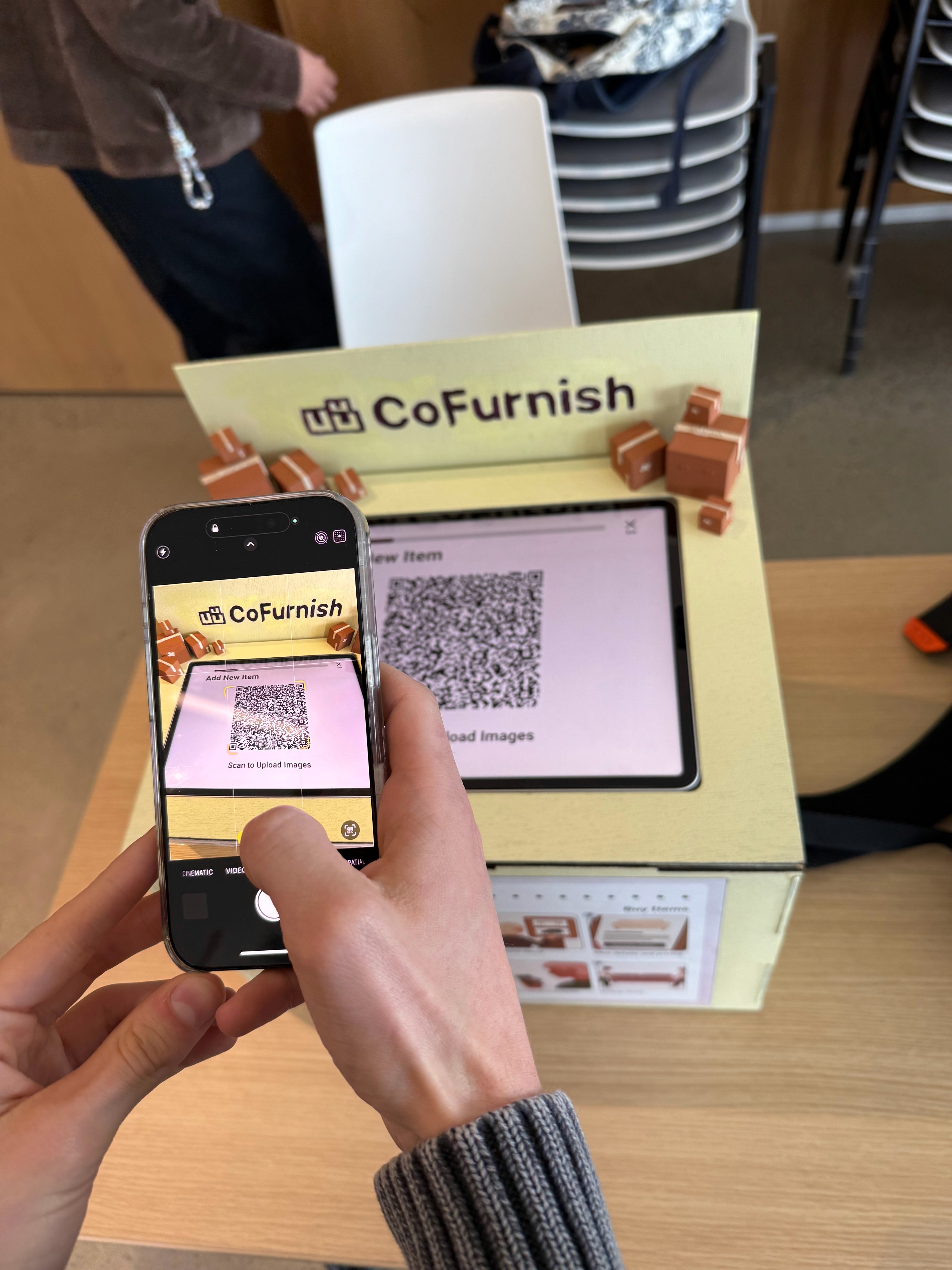
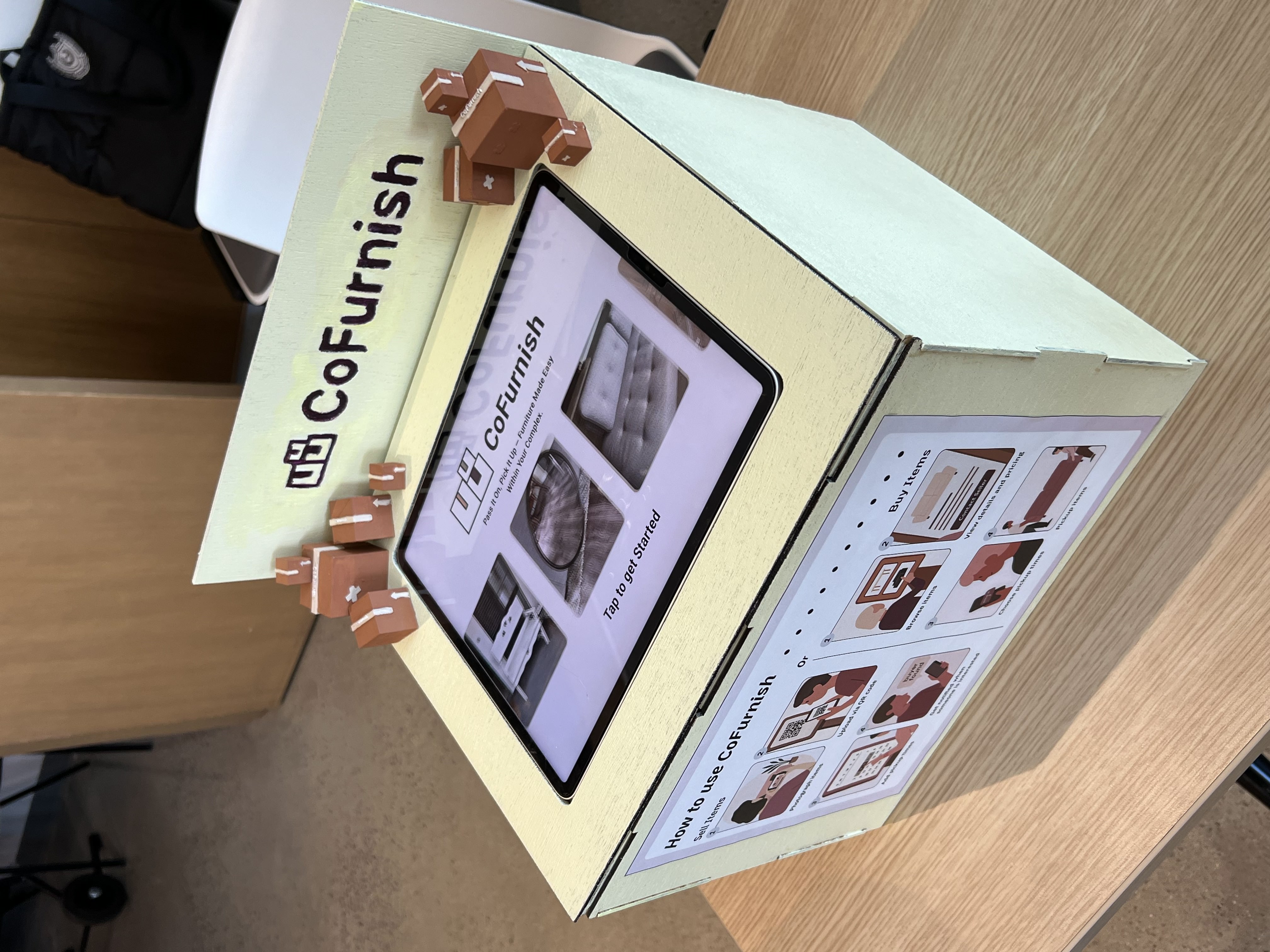
One of the main problems we needed to solve was increasing user interaction with the kiosk. We addressed this by allowing users to connect their phones—scanning QR codes to upload images and receiving real text message notifications from the Cofurnish kiosk.
As a result of this project, I learned several key parts of the design process, with a focus on user research and user testing. I gained experience combining physical and digital iterations to approach design from multiple perspectives, while also learning to collaborate effectively in a cross-disciplinary team.
User research process is tedious but a lot can come out of it. At first, I didn’t have a clear idea, but using different methods like in-person field research and online interviews really helped us hone in on the final issue and understand the problem more clearly with users in mind while designing.
Iteration is key. We had to fix many ideas, and thanks to interviews, we gathered a lot of feedback that helped the user experience flow smoothly when using the kiosk.
Physical design is very different from digital parts. Although I wasn’t fully involved in the physical design, I saw how much iteration and using a whole different but related skill set is necessary, and how important it is to not give up during the process.
Combining the physical and digital elements requires a lot of communication. While I worked on the digital part, team members working on physical aspects and I stayed in constant communication to make sure the kiosk was aligned and cohesive—from branding to style—and that we were on the same page. It would’ve been hard without spending extra time outside of scheduled work, consistently texting in group chats, setting deadlines, and having additional meetings.
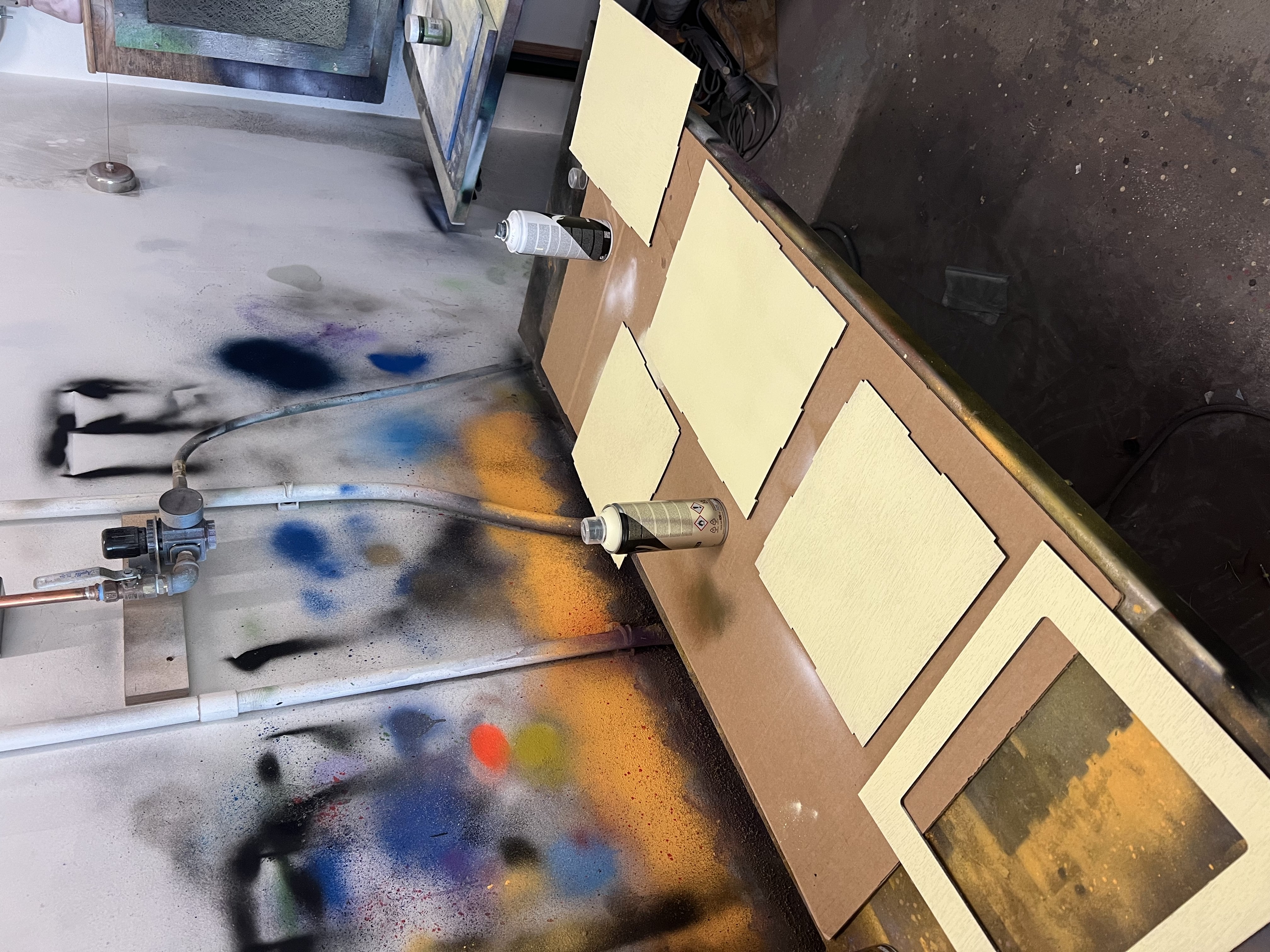
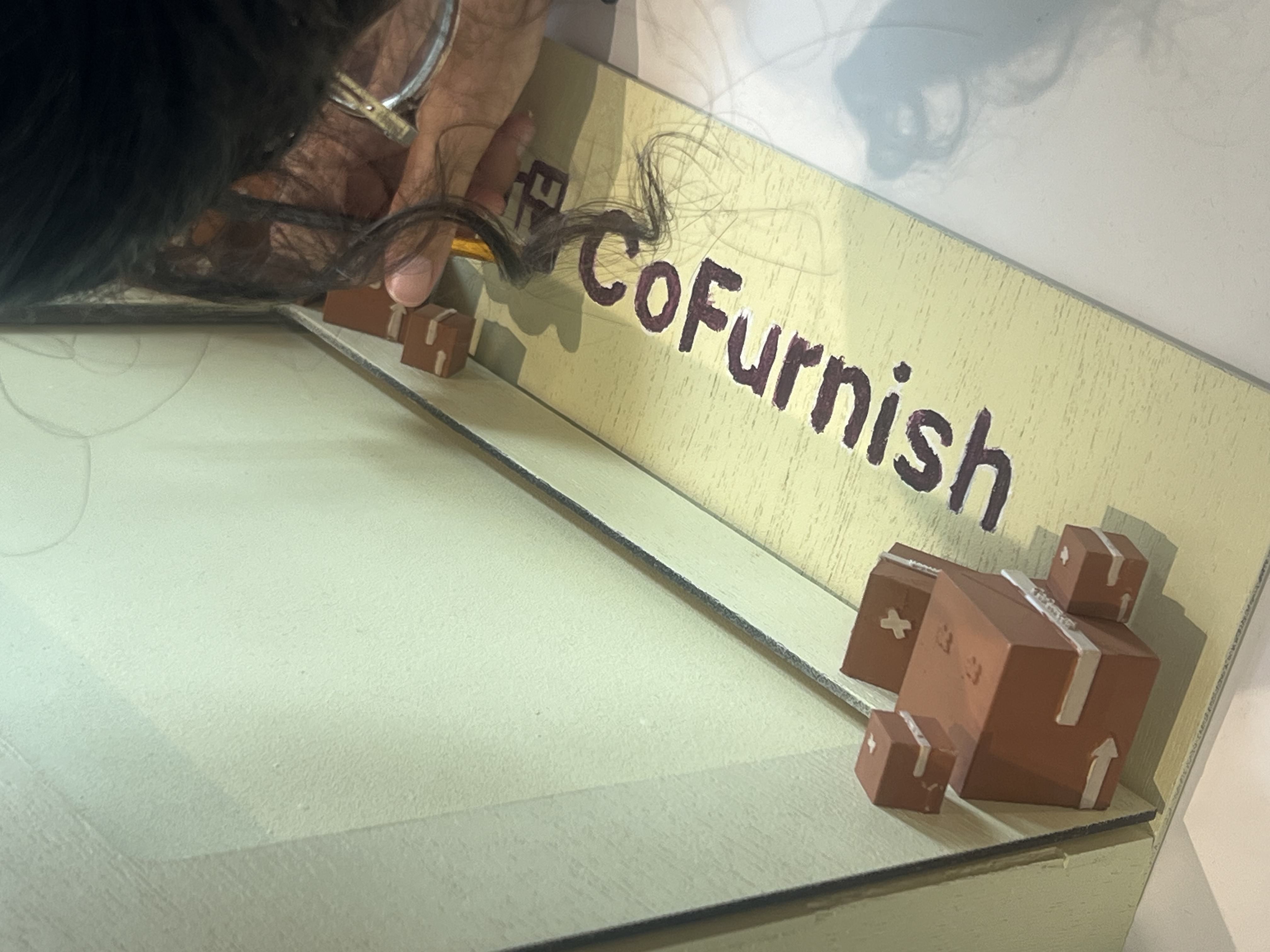
Spray painting each part of the kiosk and hand-painting the letters to complete the final visual design after assembly.
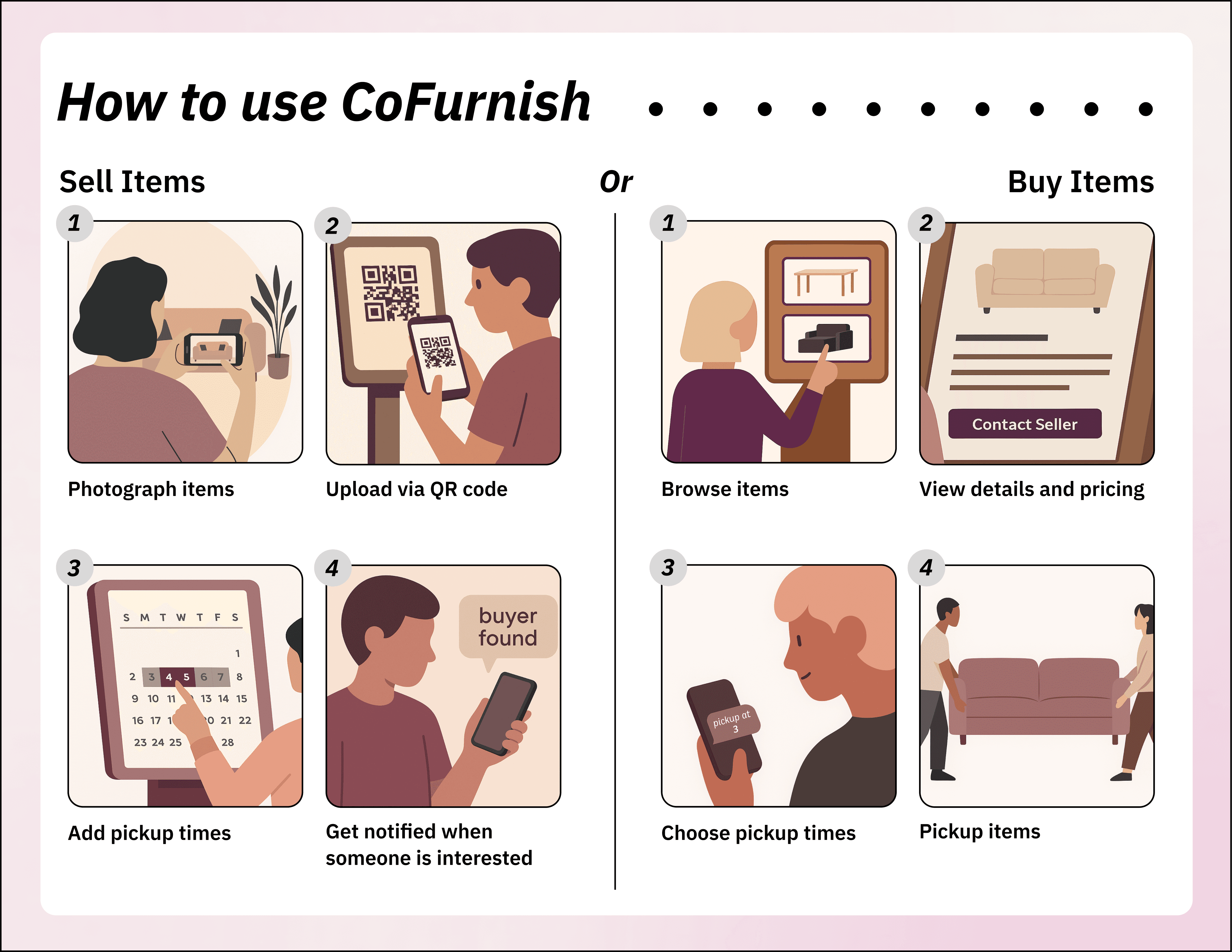
Final product: Top and front views of the kiosk, including the instructional poster. The display shows how users interact with the kiosk using their phones for an immersive and connected experience.
Example notifications from Cofurnish: welcoming users upon registration, notifying sellers when someone is interested in their listing, and reminding them to respond to potential buyers.
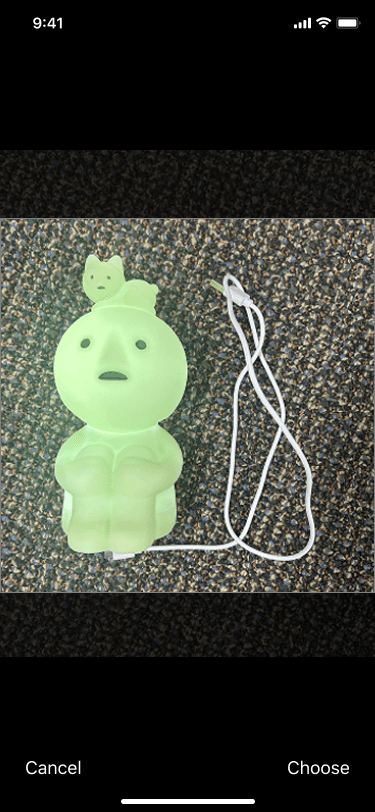
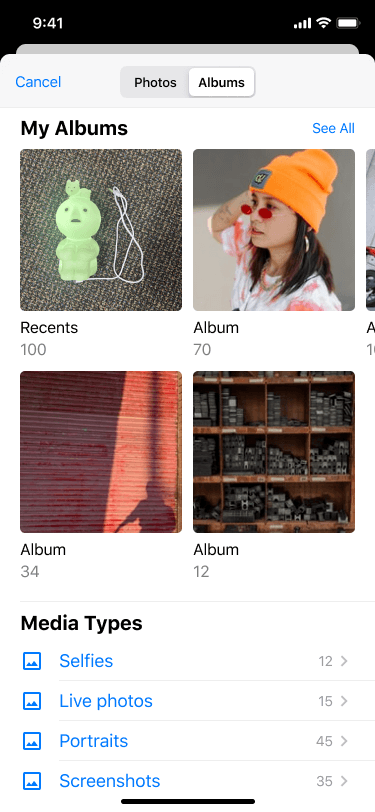
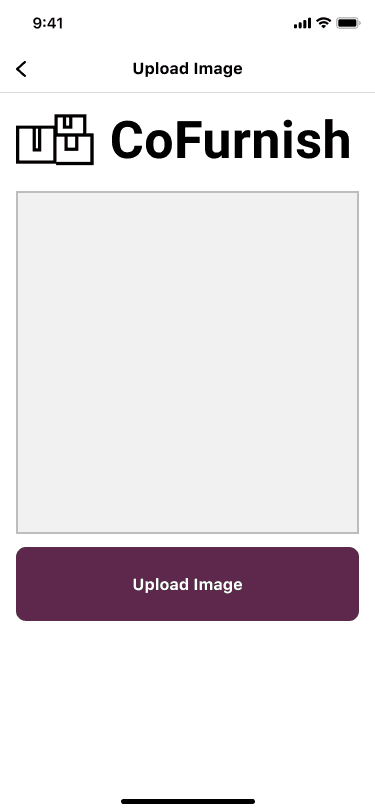
Phone screens showing the image uploading process after scanning the QR code to create a personal listing.
We created a poster to help users understand how to use the kiosk and clarify the process without requiring excessive clicking or navigation.